Approve new users before they enter
How to get there: Go to Settings → Authentication.
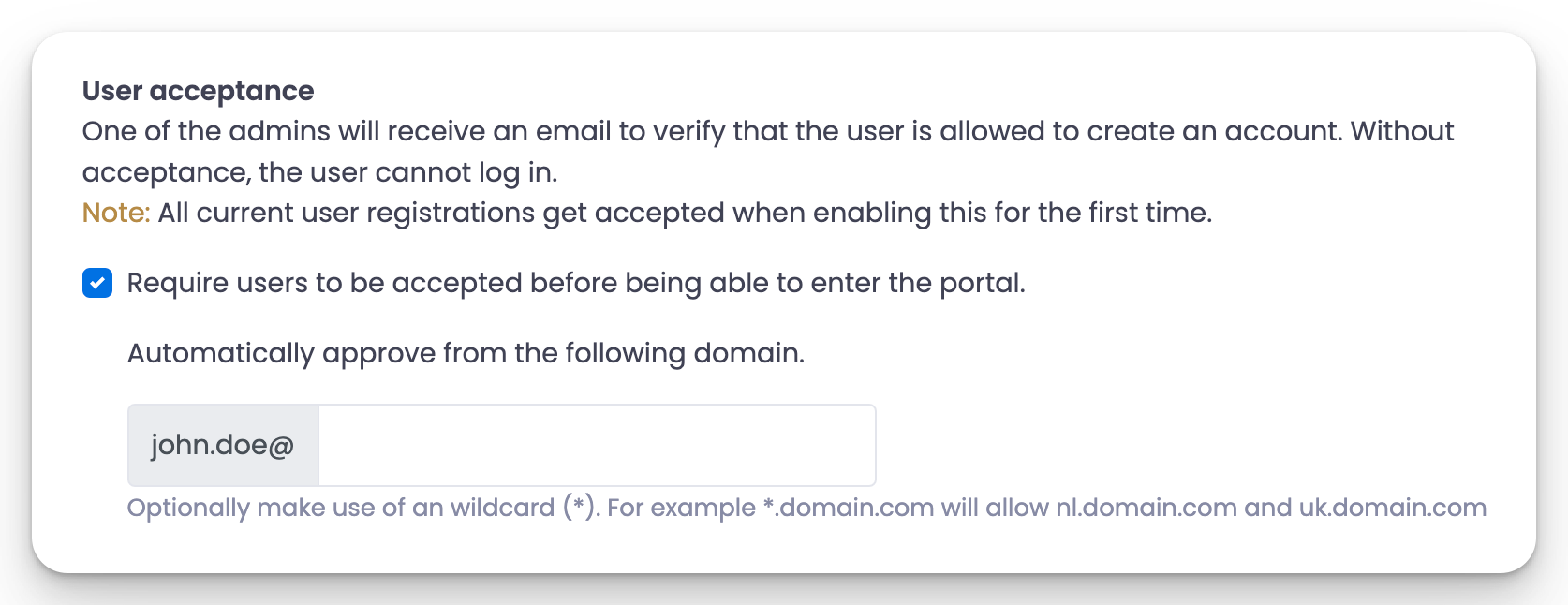
You can require admin approval for all users before they can enter.
Enable user acceptance
Go to Settings → Authentication and enable User acceptance.
Optionally, you can automatically allow users from a particular domain, for example, your business email domain.
How it works
- Users get a user acceptance message when they sign up for an account.
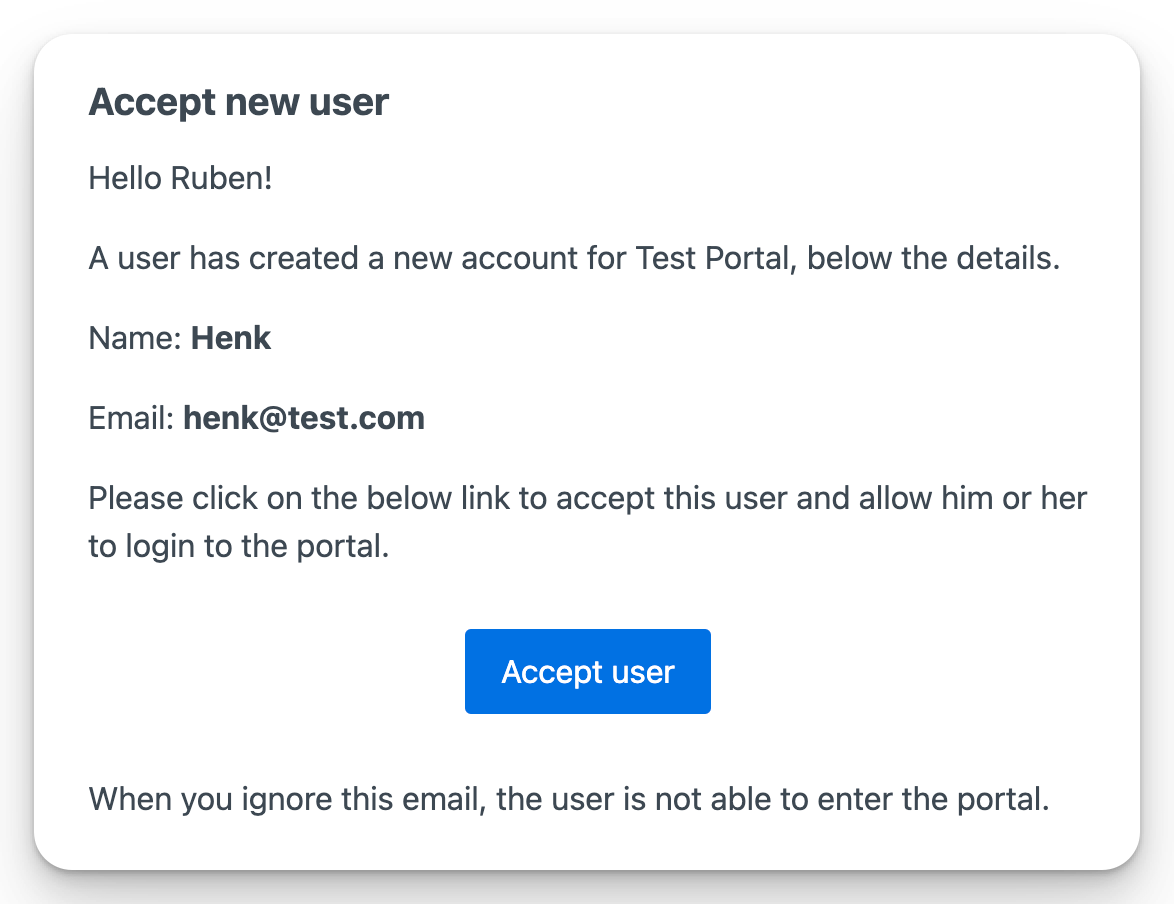
- All admins get an email to accept the newly created user, and they can easily click the button in that email.
Approve users from the admin
If you missed the email, or just want to work through pending users from the app, go to Users & companies in the top menu. The Accepted column shows a clock icon for anyone still waiting on approval. Click the user's row to open the edit sidebar and hit the green checkmark button next to the Pending Approval status. That approves them and sends the "you can now log in" email in one step.
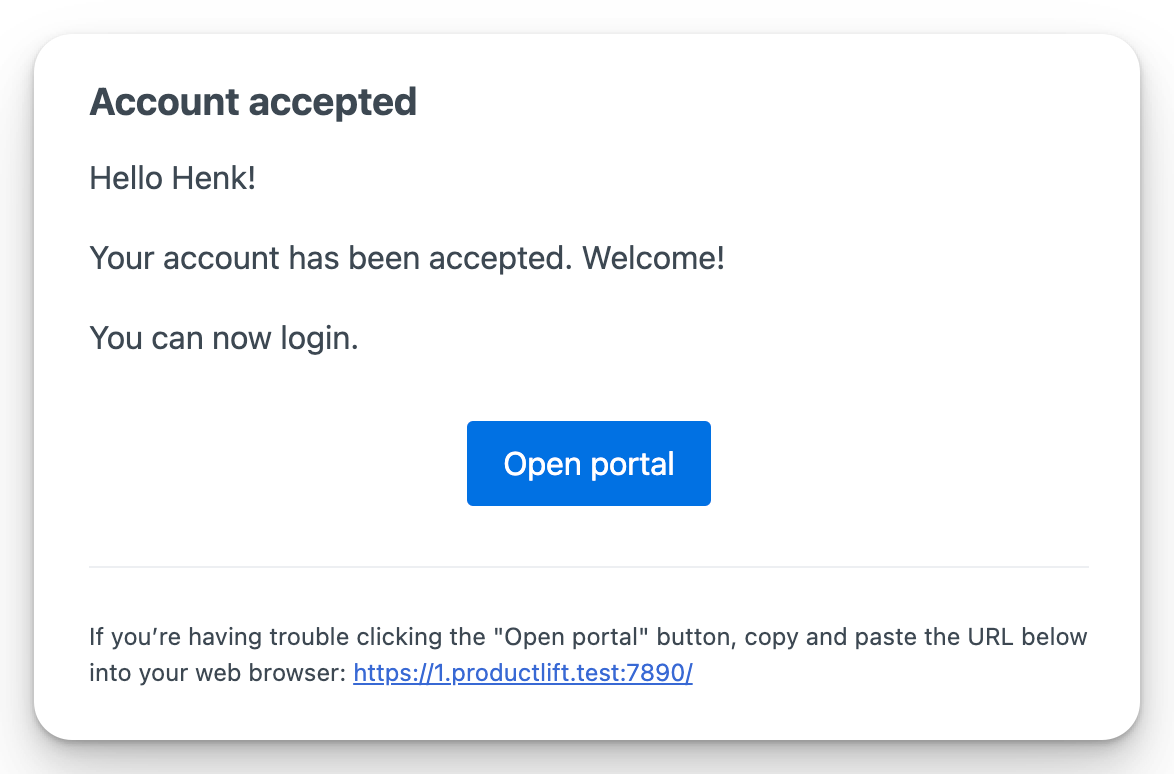
After the admin accepts, the user gets the below email so they know they can enter.
 Powered by ProductLift