Multi-product configuration
How to get there: Go to Account in the sidebar to manage multiple portals/products.
You may want to have multiple products all in a single portal. ProductLift is hyper-flexible, so this is possible.
There are two options you can consider:
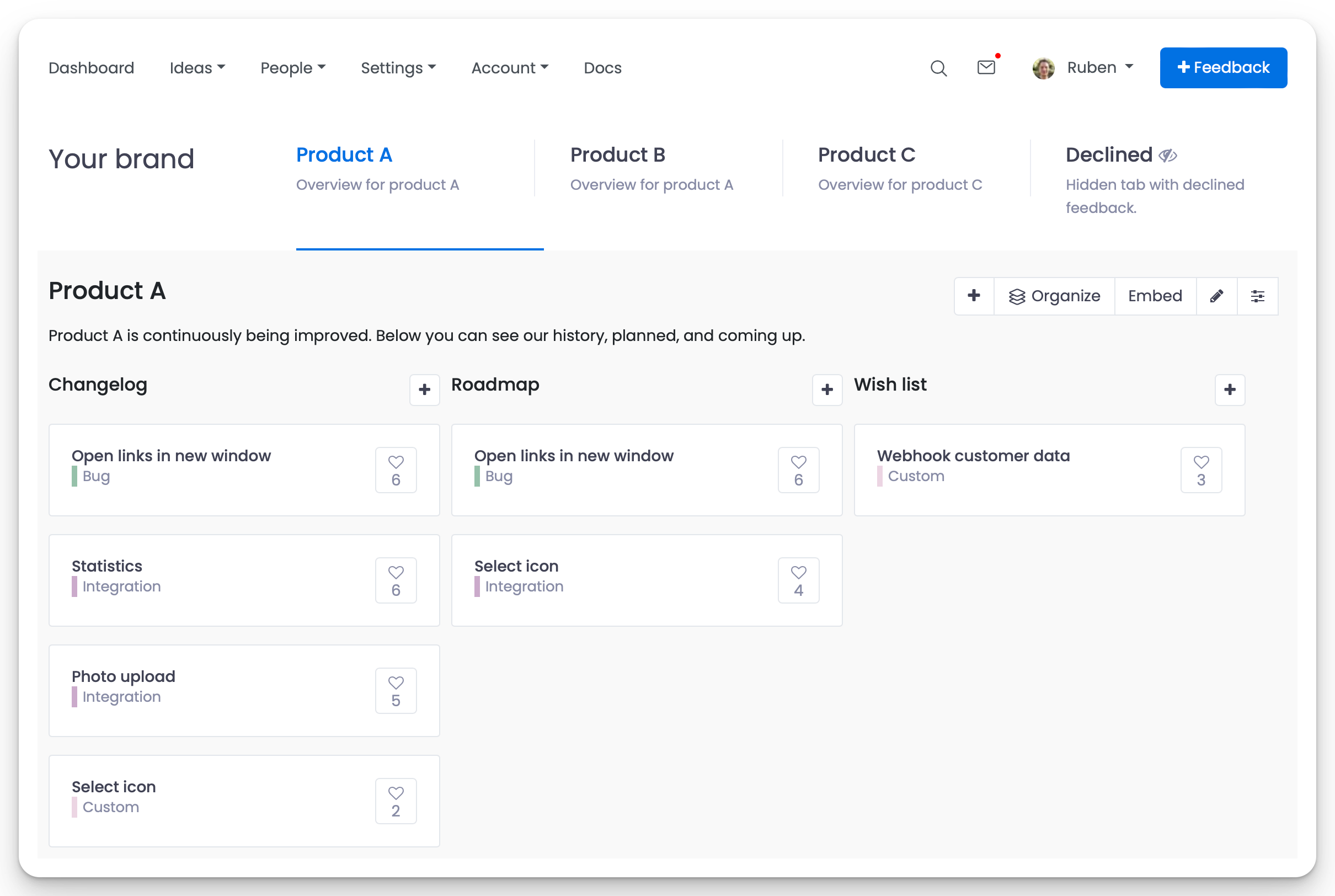
Option 1: Boards for each product
You can create a board for each product and display a custom Kanban board with your voting boards, roadmap, and changelog.
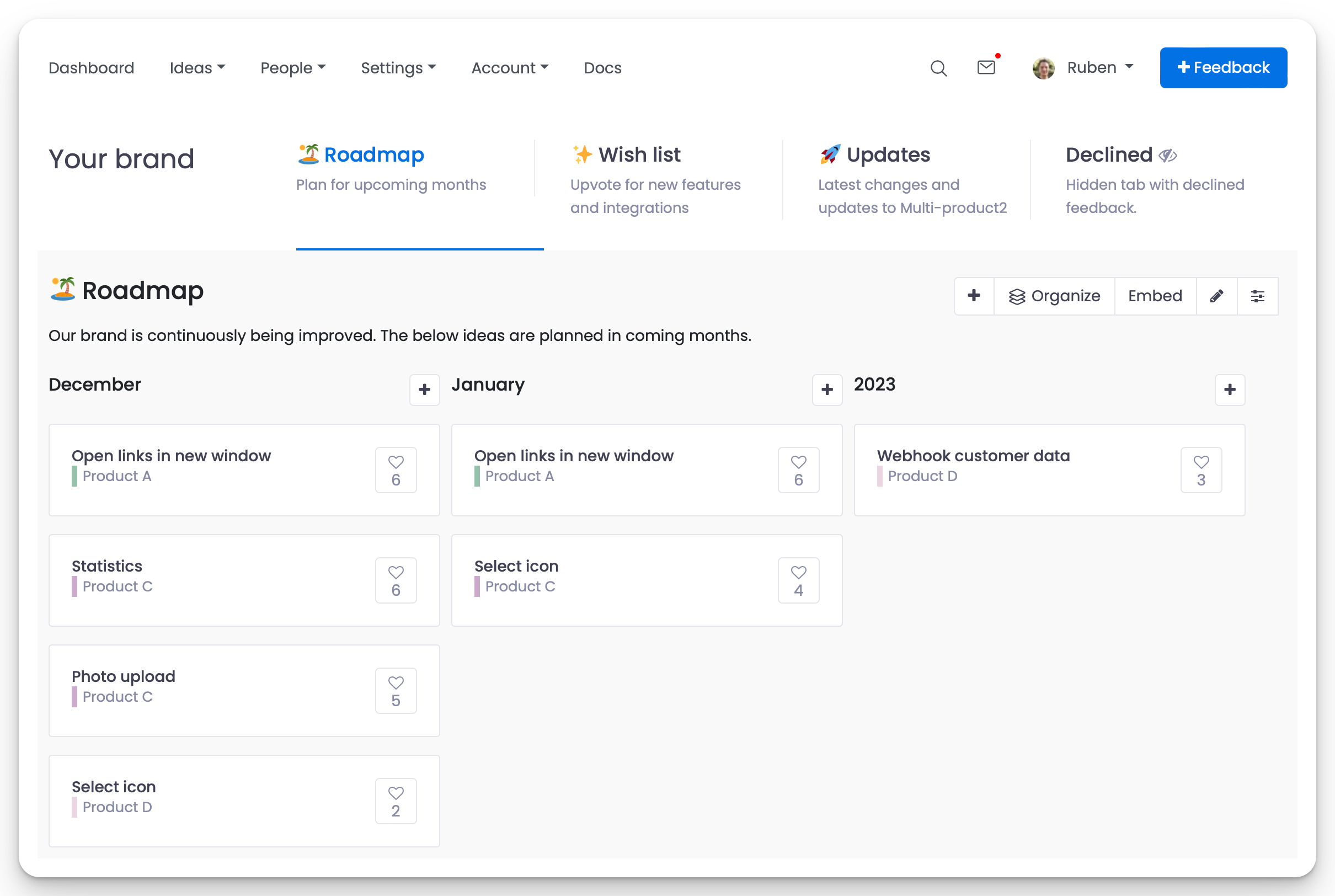
Option 2: Categories for each product
It is also possible to create custom categories for each product and display them on a central voting board, roadmap, and changelog.
Configuration tutorial
In this video, we are setting up the multi-product configurations to collect feedback for multiple products, create a roadmap, and share updates on the changelog.