viaSocket Integration
viaSocket is an AI powered workflow automation tool that helps you streamline workflows by connecting ProductLift with thousands of other applications without writing a single line of code.
Getting Started:
Let's build your first Flow in 5 simple steps:
-
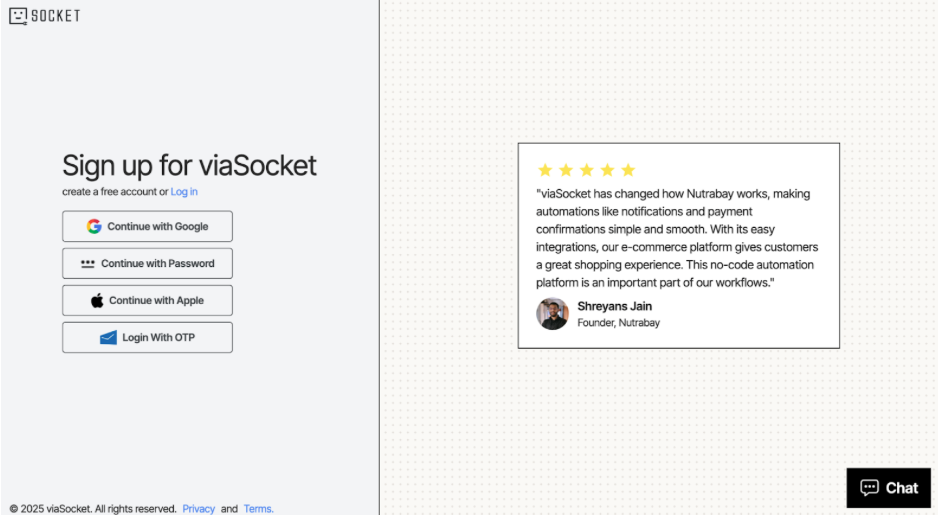
Sign Up or Log In: If you haven't already, create your free account or log in to your existing account.
-
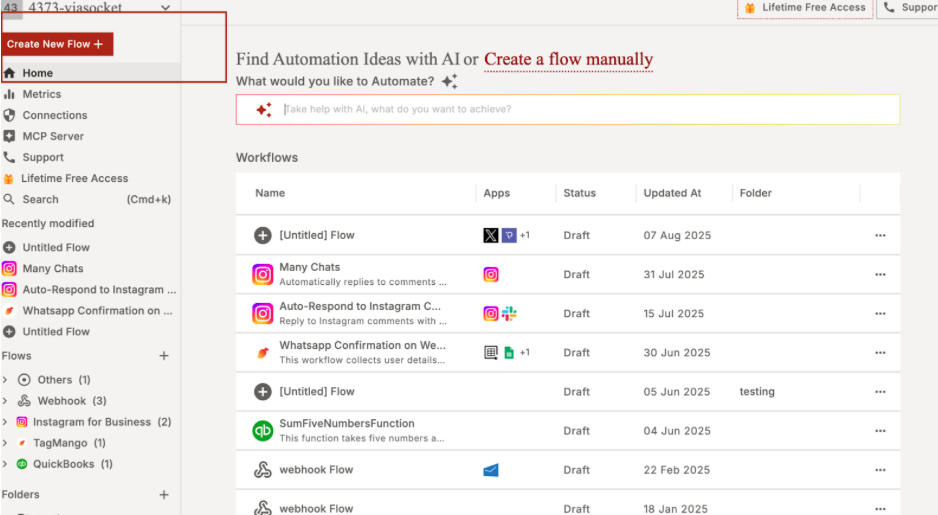
Create a New Flow: From your dashboard, click "Create New Flow." You can tell our AI assistant what you want to do in plain English, or you can build it from scratch.
-
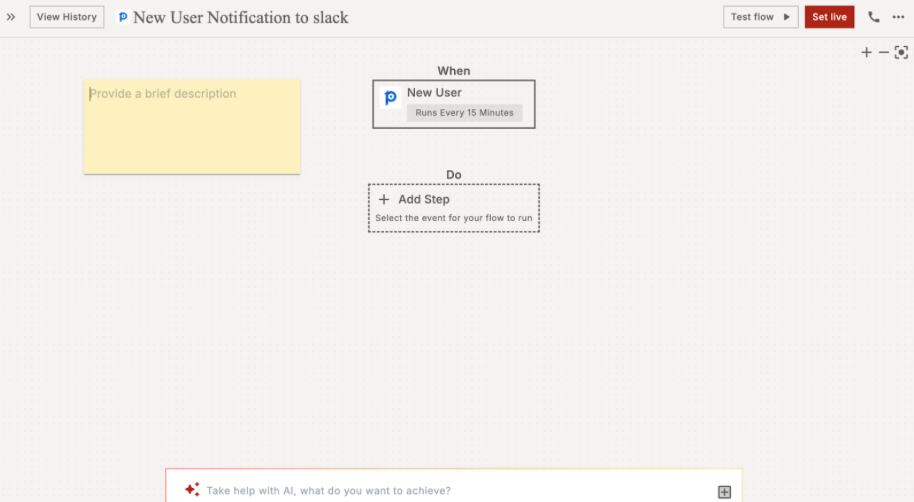
Set Up Your Trigger:
-
Search for and pick your first app (e.g.,ProductLift).
-
Choose the trigger event (e.g.,New User Created).
-
Connect your account and select the form you want to use.
-
Test the trigger to make sure it's connected correctly.
- Set Up Your Action:
-
Click the + icon to add the next step.
-
Search for and pick your second app (e.g., Slack or Google Sheets).
-
Choose the action you want it to perform (e.g., Send Channel Message or Add a Row).
-
Connect your account.
-
Customize your actions. You can use information from your form (like the person's name or email) to fill in the details automatically.
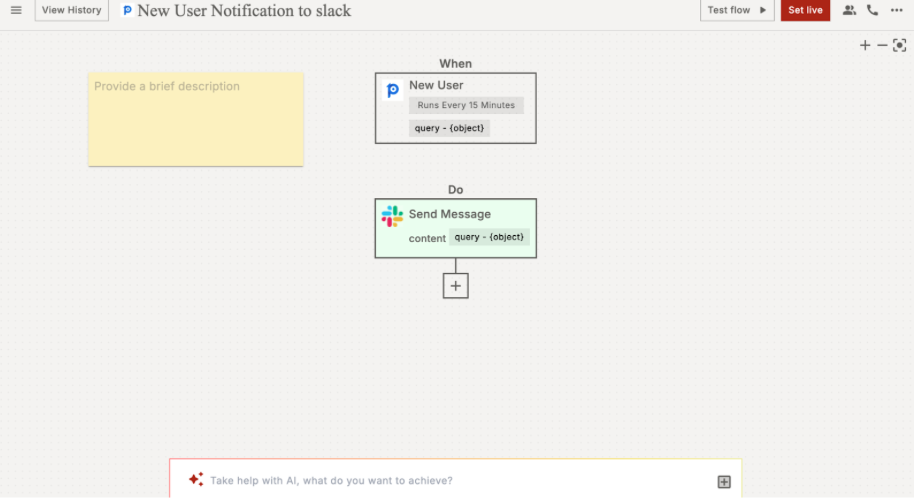
- Live Your Flow: Once you're happy, Set live your Flow.
You can skip all the above mentioned steps by using the pre-built workflows templates and automate things within minutes.
Need help? Visit viaSocket Knowledge Base, join the Community, or contact Support for assistance. Happy automating!

Ruben
3 months ago