Configure general portal settings
How to get there: Settings → General, under Workspace.
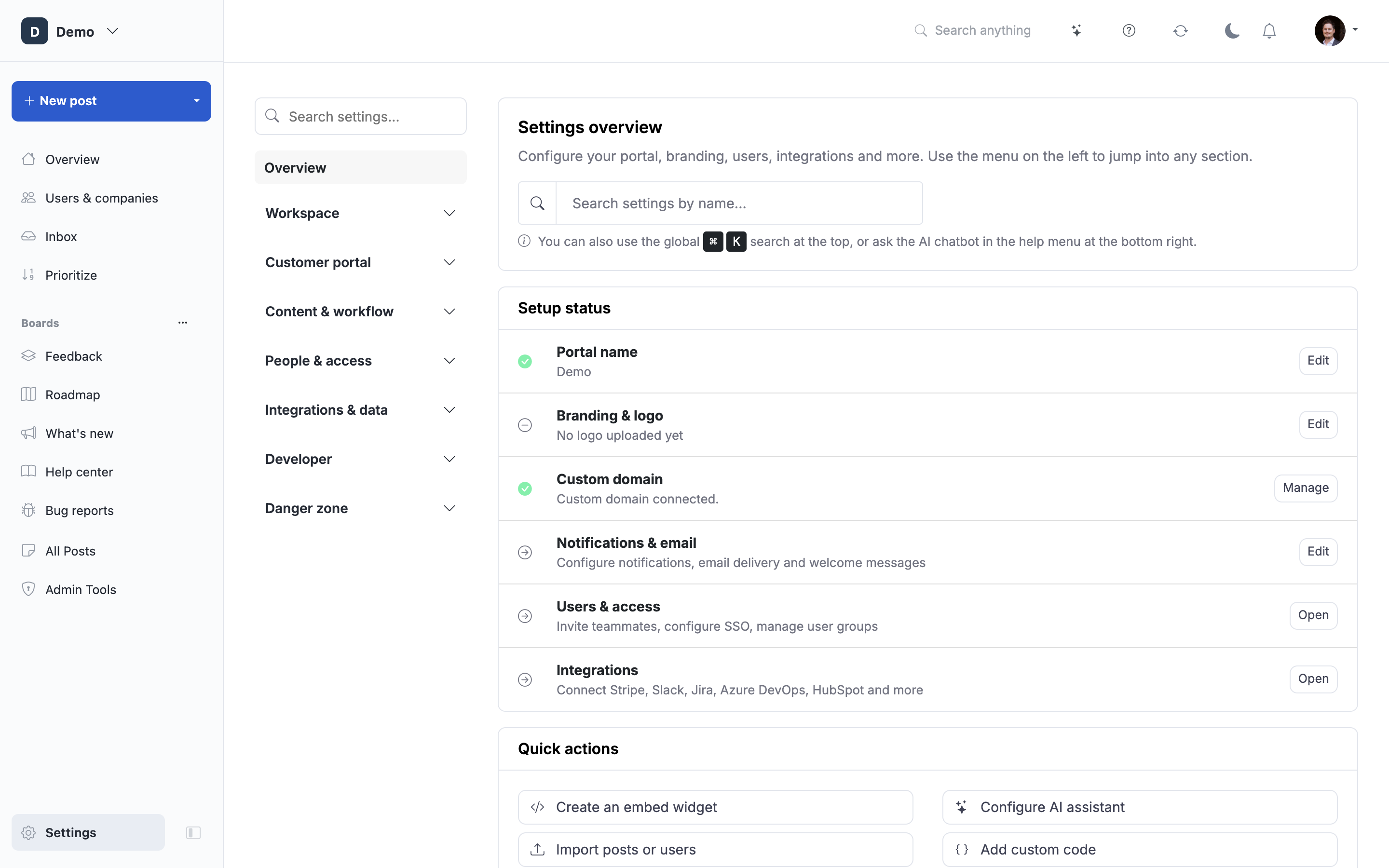
General contains your portal name, currency, and core product settings. Other portal-wide controls have their own settings pages:
| What you want to change | Where to go |
|---|---|
| Product context for AI | Settings → Product Vision |
| Logo, colors and fonts | Settings → Portal design → Branding |
| Vote icon, header navigation, menu button and footer links | Settings → Portal design → Navigation & layout |
| Search-engine indexing, Search Console, GTM and GA4 | Settings → SEO & tracking |
| Default languages and translations | Settings → Languages & translations |
| Status-change email default and welcome email | Settings → Notifications & email → Notifications |
| Sending provider, sender and email templates | Settings → Notifications & email → Email setup |
| Sent email logs | Settings → Notifications & email → Delivery history |
The status-change default preselects Email followers when editing a status or dragging a roadmap post. You confirm the choice for each change; there is no separate drag-and-drop preference.
For the full navigation map, see Navigate ProductLift.
 Powered by ProductLift