Use the post detail page
How to get there: Click on any post title from a board, search results, or the All Posts list.
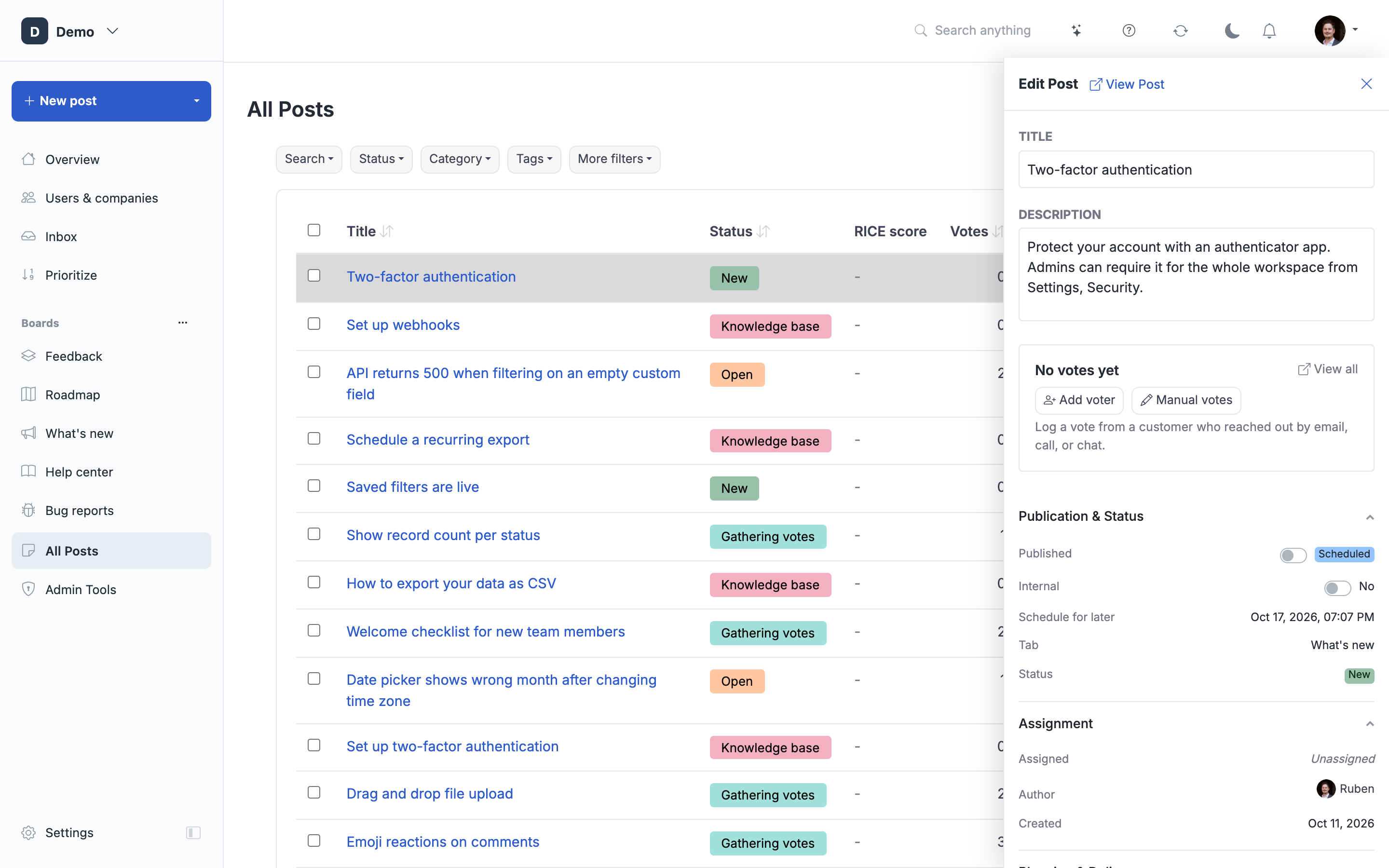
The post detail page is where you view and manage a single post, its description, comments, votes, status, and all related data.
Page Layout
The page has three areas:
- Left sidebar (knowledge base posts only), Table of contents for the article
- Main content, Post title, description, comment form, and activity timeline
- Right sidebar, Voting card, post meta, and collapsible admin sections
Commenting
Click the Write a comment... input to expand the full editor. Type your comment and click Add comment.
- Admins see tabs for Public Comment and Internal Comment
- Public comments with the Use for Changelog checkbox will be shown as the changelog description
- Pin to top places the comment above the activity timeline
Replying
Click Reply below any comment to write a threaded reply. Replies appear indented below the parent comment.
Activity Timeline
Below the comment form, the Activity section shows all post activity in reverse chronological order:
- Comments with voting, replies, and admin actions
- Status changes showing who moved the post and when (see Review post activity history)
- Internal comments (admin-only, shown with a yellow border)
- Polls with voting options (see Add polls to posts)
Following a Post
Click Follow to receive notifications about this post. Once following, a dropdown lets you choose:
- Everything, comments and status changes
- Status only, only status change notifications
Click Unfollow from the dropdown to stop receiving notifications.
Admin Actions
The Actions dropdown (gear icon) provides:
- Move to Another Board, change the post's status/board
- Manage Card Image, upload or remove the post's card image
- Embed as Widget, create an embeddable widget for this post
- Lock Comments, prevent non-admin users from commenting
- Split Post, divide a post into multiple posts
- Merge Posts, combine this post with another
- Delete, remove the post from the board
AI Tools
Below the post description, admins see:
- Improve writing, AI enhances clarity, fixes spelling, and improves the description
- Adjust with AI, enter custom instructions for AI to modify the content
Both operations can be undone immediately after via the undo toast that appears.
Right Sidebar
Voting Card
Shows the current vote count and voter avatars. Admins can vote on behalf of users and adjust the manual vote count.
Post Meta
Displays status, assignment, author, dates, categories, tags, and other metadata. Admins can edit these inline.
Collapsible Sections (Admin)
These sections are collapsed by default to save space. Click the header to expand. A count badge shows how many items exist without needing to expand:
- Voters, full voter table with emails, copy-all, vote on behalf
- Attachments, file attachments with upload/delete
- References, external links, ticket numbers, etc.
- Tags, tag badges
- Linked Posts (a tab under the description), relationships to other posts (related, blocks, depends on, etc.)
The collapse state is remembered across visits.
Knowledge Base Posts
Knowledge base posts have additional features:
- Left sidebar with a collapsible table of contents
- "Was this helpful?" thumbs up/down feedback in the right sidebar
- Article Feedback admin summary below the activity timeline showing response statistics and written feedback
Notification History
Below the activity timeline, admins can see all past notifications sent for this post, including sender, message, and date.
Delete a post
Open the post's actions menu, choose Delete, and confirm. You return to the post's board with a success message.
Deleted posts disappear from boards, search results, exports, and the API. Opening an old link shows This post has been deleted, with a button back to the board. Access restrictions still apply to private posts.
Deletion from this menu retains the post and its related data for internal recovery. There is currently no restore button in the portal. The same rules apply on the website and through the API: authors can delete their own posts at any age if there are no comments or votes from others. Their own vote does not block deletion. Posts with comments or votes from others, including anonymous votes, can only be deleted by an admin. Blocked deletions leave the post and author details unchanged. Account data erasure and explicit permanent cleanup follow their own removal rules.
 Powered by ProductLift