Choose where customer posts go
How to get there: Open Settings → Boards, choose the board and open Customer posting.
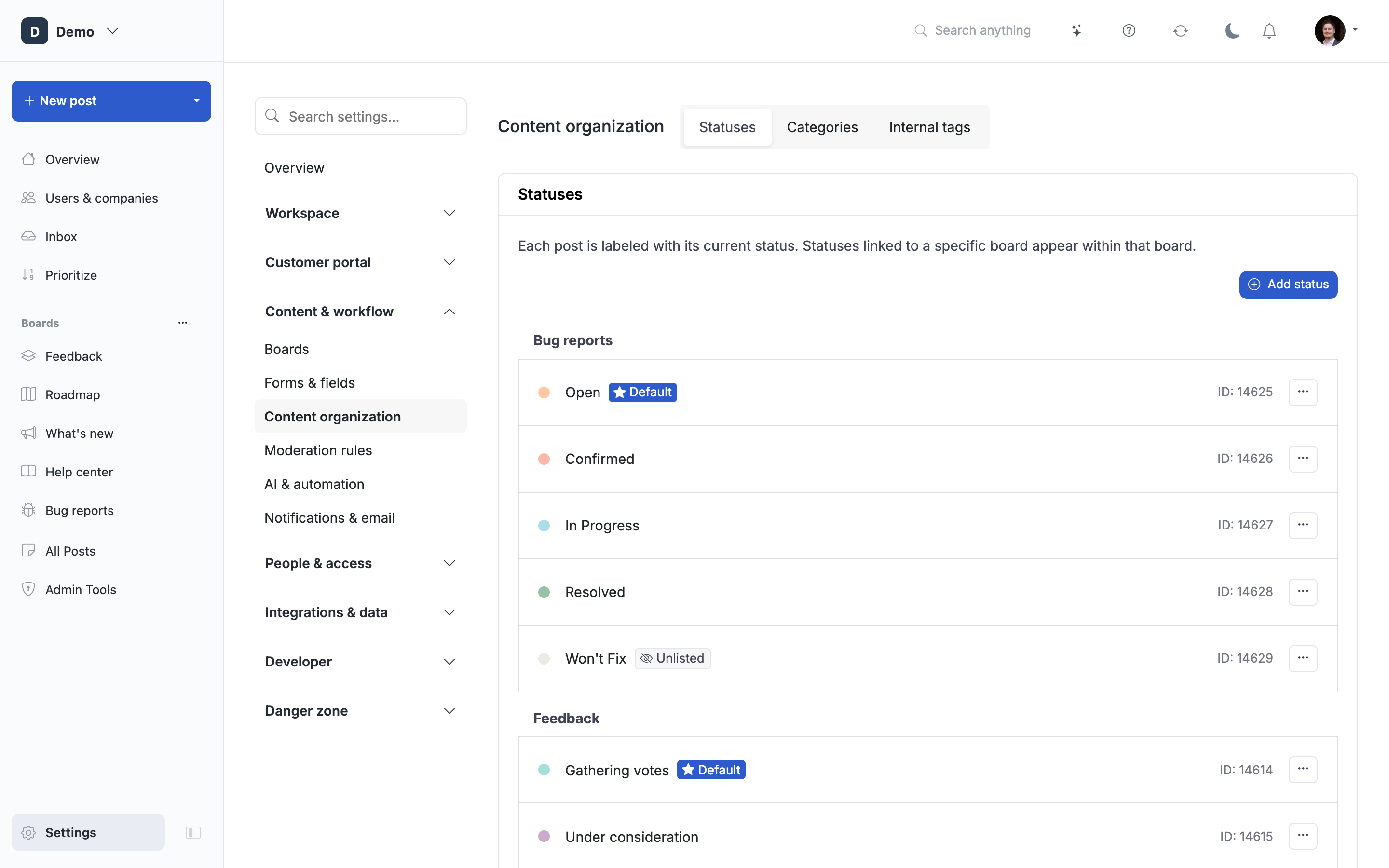
Choose the status and section each customer post gets after submission. Existing posts are not changed.
- Turn on Allow users to create posts on this board to show the posting settings.
- Open step 3. After submission and choose Status. Pick one from this board to keep new posts on it.
- Choose Section if it is available.
- Click Save changes.
Admins can choose a different status when creating a post. See Manage boards.
 Powered by ProductLift