Customize status change emails
How to get there: Go to Settings → Notifications & email → Notifications → Status Change Email section.
When you add a notification email during the status change, users that follow your post will get an email.
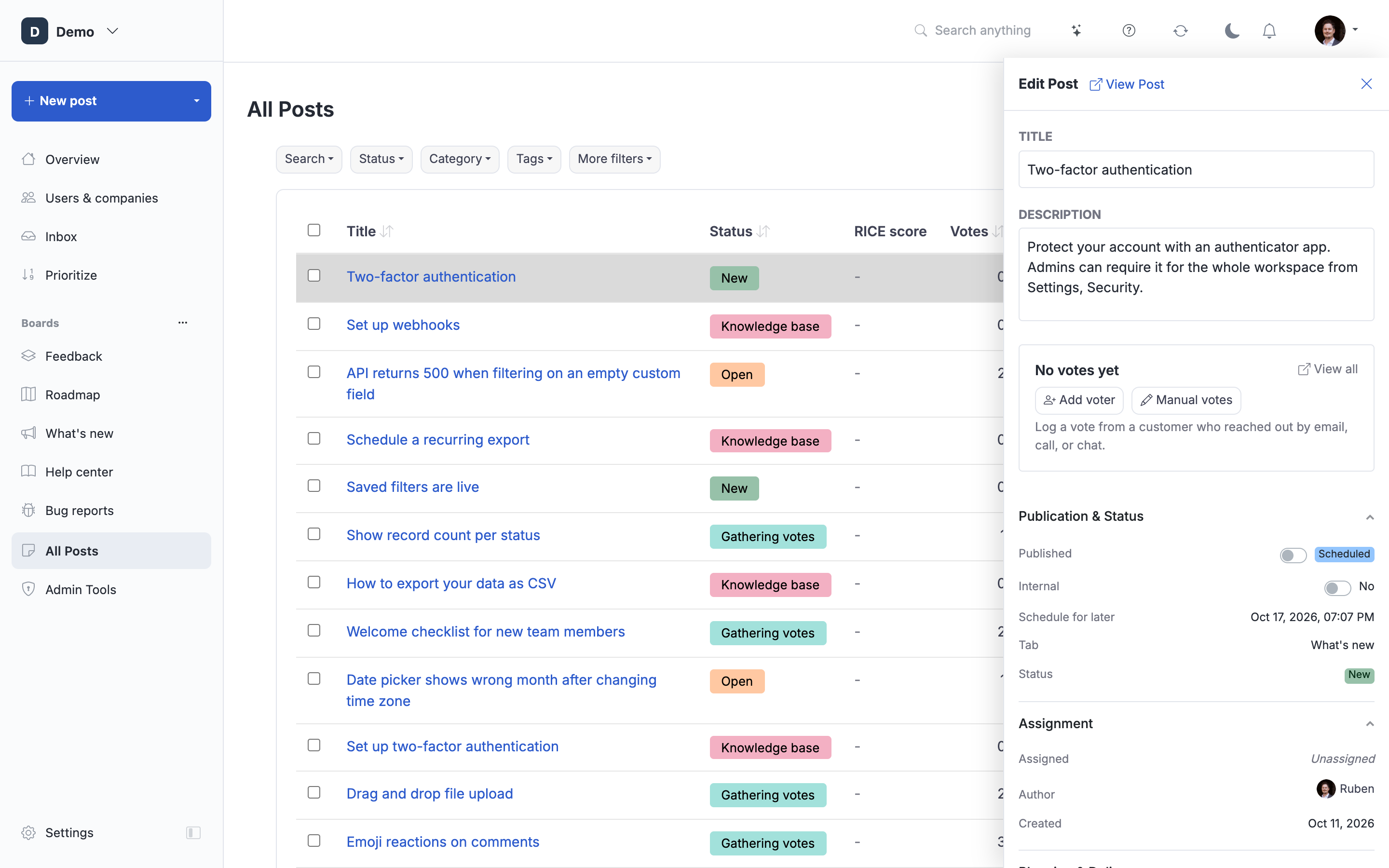
Email received
Users will receive an email similar to below.
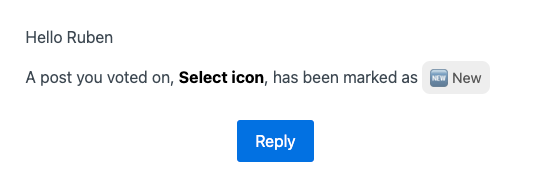
Optionally, you can also add a custom note, then the email will look like this.
Audit trail
You can see what notifications have been send to which users at the bottom of the post.
Note: Messages are not sent to users who have unsubscribed or to users whose email address still needs to be verified. Followers with a pending invite (for example users created via "Vote on behalf") DO receive these emails.
 Powered by ProductLift