Connect viaSocket
How to get there: Go to Settings in the sidebar → API & webhooks (opens a separate page) to get your API token, then configure the integration in viaSocket.
viaSocket is an AI powered workflow automation tool that helps you streamline workflows by connecting ProductLift with thousands of other applications without writing a single line of code.
Getting Started:
Let's build your first Flow in 5 simple steps:
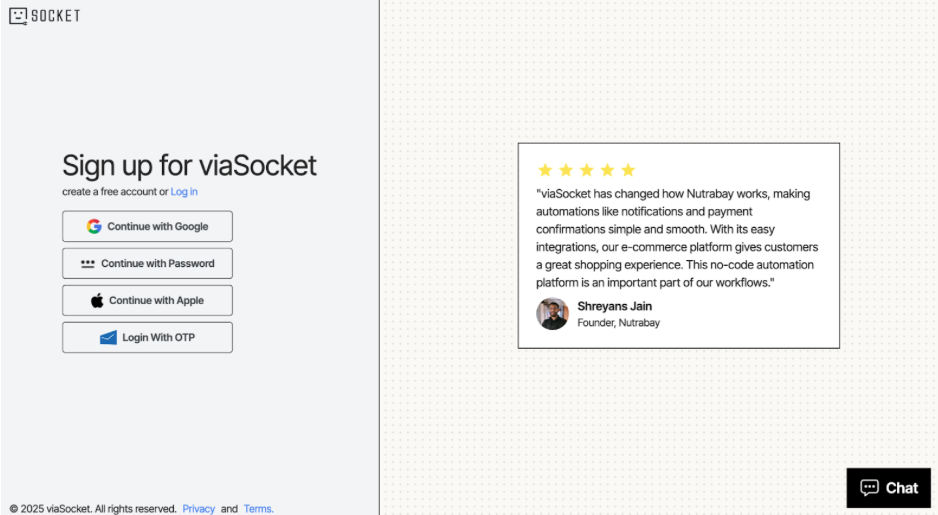
- Sign Up or Log In: If you haven't already, create your free account or log in to your existing account.
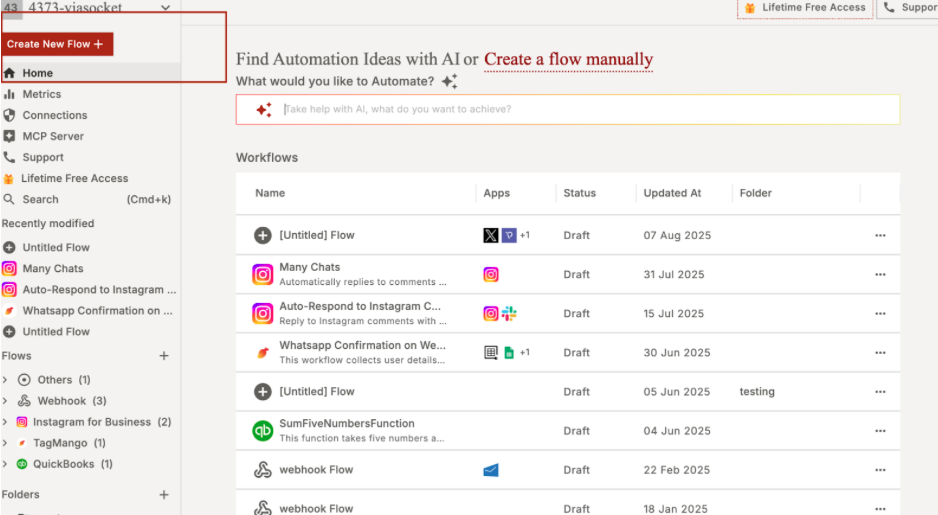
- Create a New Flow: From your dashboard, click "Create New Flow." You can tell our AI assistant what you want to do in plain English, or you can build it from scratch.
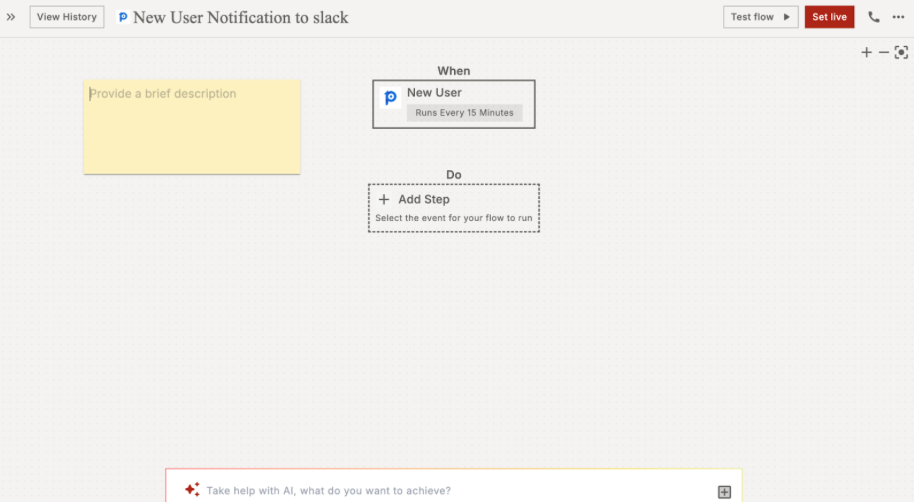
- Set Up Your Trigger:
-
Search for and pick your first app (e.g.,ProductLift).
-
Choose the trigger event (e.g.,New User Created).
-
Connect your account and select the form you want to use.
-
Test the trigger to make sure it's connected correctly.
- Set Up Your Action:
-
Click the + icon to add the next step.
-
Search for and pick your second app (e.g., Slack or Google Sheets).
-
Choose the action you want it to perform (e.g., Send Channel Message or Add a Row).
-
Connect your account.
-
Customize your actions. You can use information from your form (like the person's name or email) to fill in the details automatically.
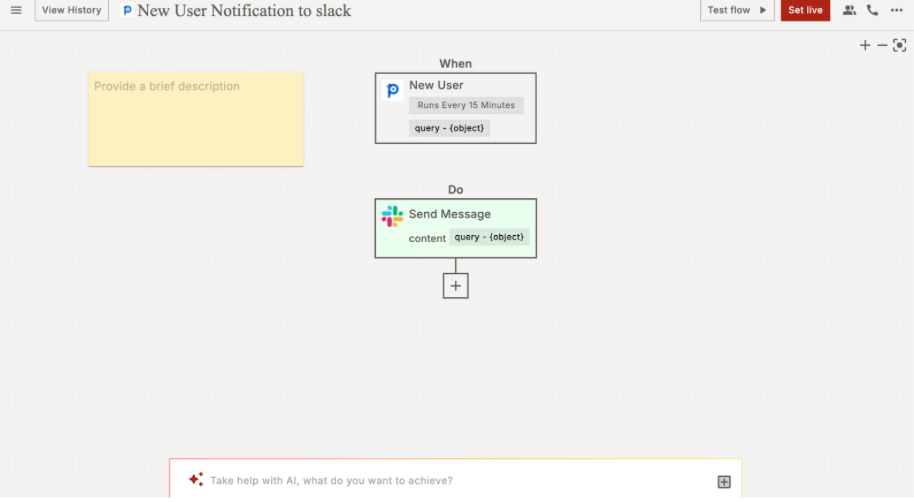
- Live Your Flow: Once you're happy, Set live your Flow.
You can skip all the above mentioned steps by using the pre-built workflows templates and automate things within minutes.
Need help? Visit viaSocket Knowledge Base, join the Community, or contact Support for assistance. Happy automating!
 Powered by ProductLift