Voting On Posts
Voting on posts
A short guide for customers on how voting works on a ProductLift portal.
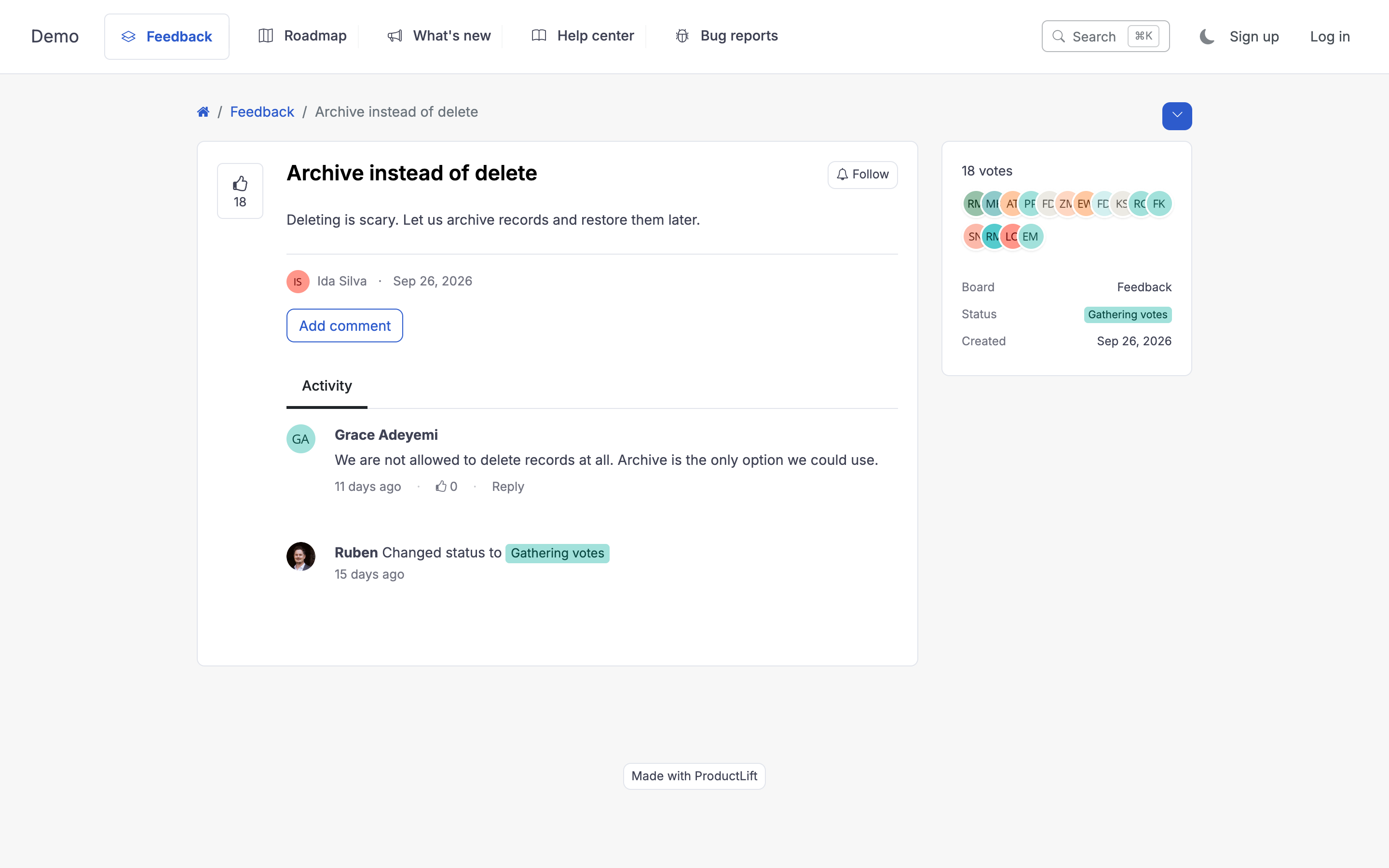
How voting works
- Click the vote button on any post.
- You get one vote per post. The team uses total votes (plus customer context) to prioritize.
- You can remove your vote anytime if you change your mind.
What your vote does
Votes are one of several signals the team weighs when picking what to build next. A high-vote post doesn't automatically ship, the team also considers:
- Effort required.
- Strategic fit.
- Voice of specific customer segments.
- Workarounds available.
But voting is the most direct way you can influence what gets prioritized. Use it.
Comments matter
Often the difference between a feature that ships and one that doesn't is why customers want it. Leaving a comment with your specific use case is more useful than a silent vote.
Following a post without voting
If you want updates on a post but don't want to "endorse" it (for example, you're tracking competitor research), use the follow option. Updates without a counted vote.
Anonymous voting
Some portals support anonymous voting via the embedded widget. If you see a "vote" button without being asked to log in, your vote is being recorded against your browser. It still counts but the team can't reach out to you about it.
Why was my vote removed?
A few reasons:
- The post was merged into another post. Your vote moved to the combined post.
- The post was deleted by an admin (usually as a duplicate). Look for the linked replacement.
- You hit the vote limit for your portal if the admin set a per-user cap.