Feedback Board Widgets
How to get there: Go to Settings → Widgets → click Add widget → choose Board or New Post Form.
Get people's feedback and votes on feature requests without jumping outside your app or website.
ProductLift provides the following feedback widget options:
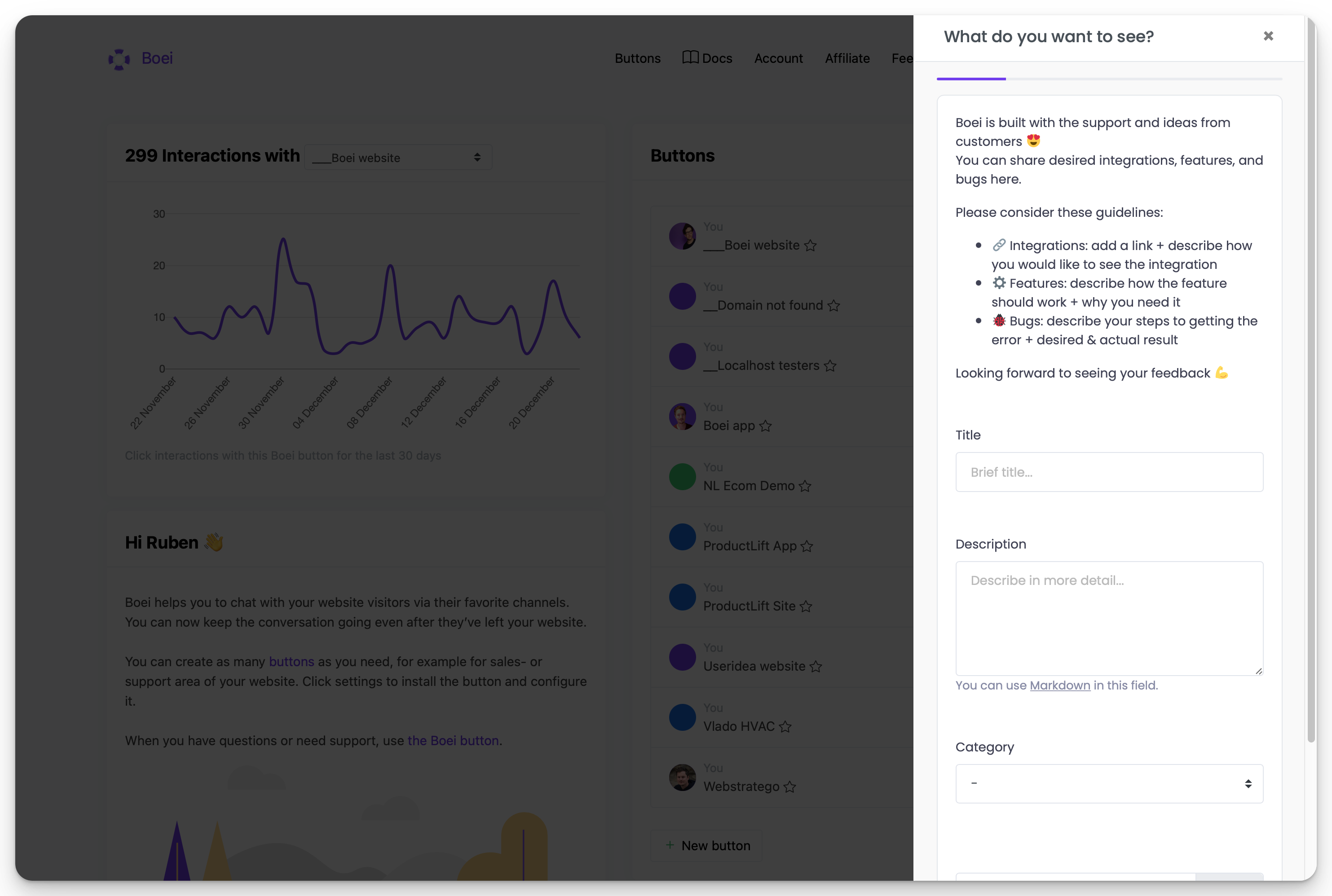
New Post Form (popup or sidebar)
A form for users to submit feature requests and bug reports. Choose between popup and sidebar display modes when creating the widget.
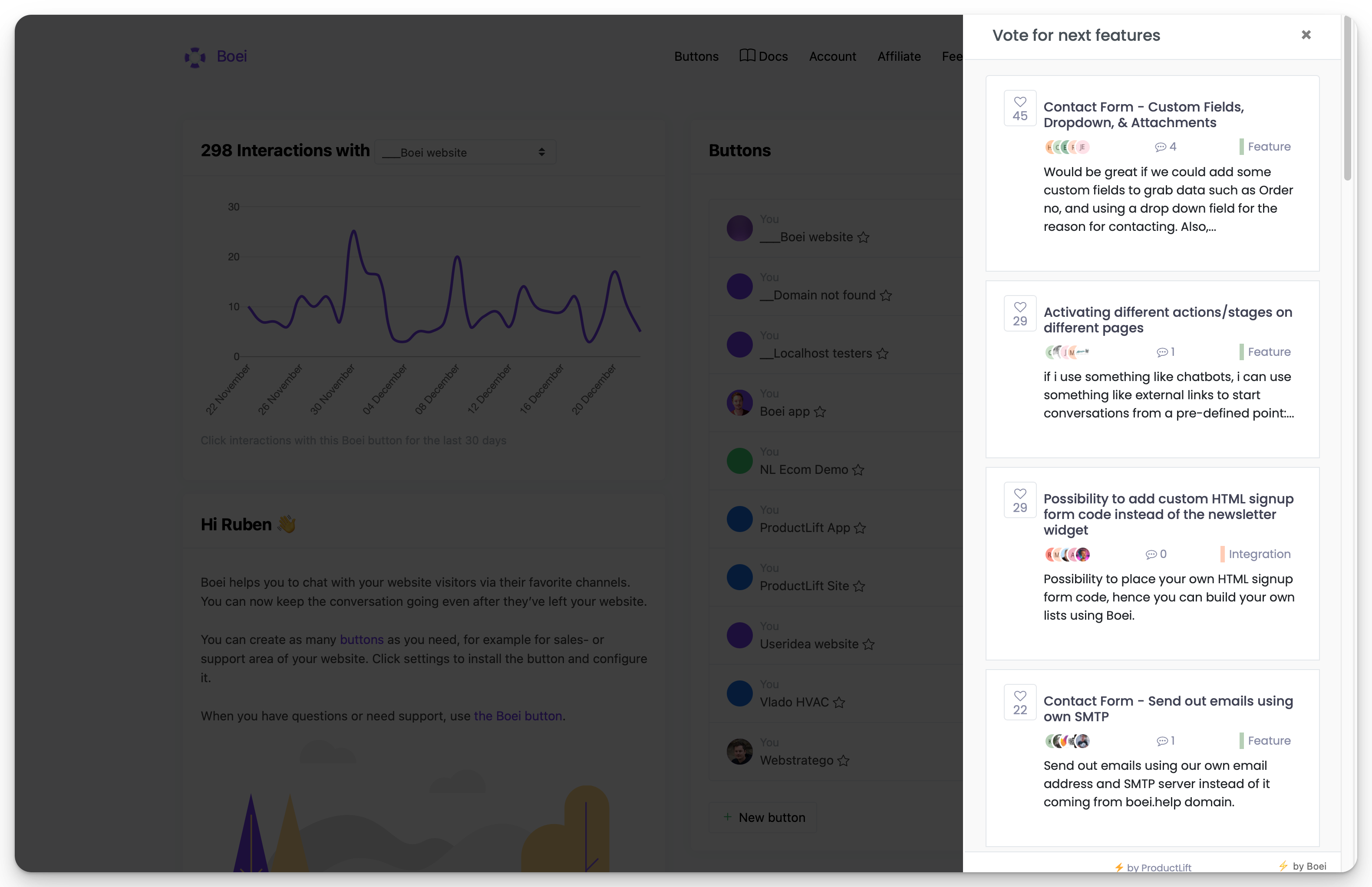
Feedback board sidebar
Display your feedback board on your website or app on a sidebar that is opened on demand. Create a Board widget, choose Sidebar, then select your feedback board.
Feedback board embed
Display your feedback board on a particular page of your website by simply pasting the widget code into the desired area. Create a Board widget, choose Embed, then select your feedback board.