Mention Users and Posts
How to get there: Open any post or comment editor. Type @ to mention a user or # to reference another post.
You can mention a user to ensure they receive a notification. This feature enhances communication and ensures important updates are not missed. Here's how you can use this feature effectively:
Mentioning Users or Posts
To mention a user or a post, follow these steps:
-
Click on "Add mention":

-
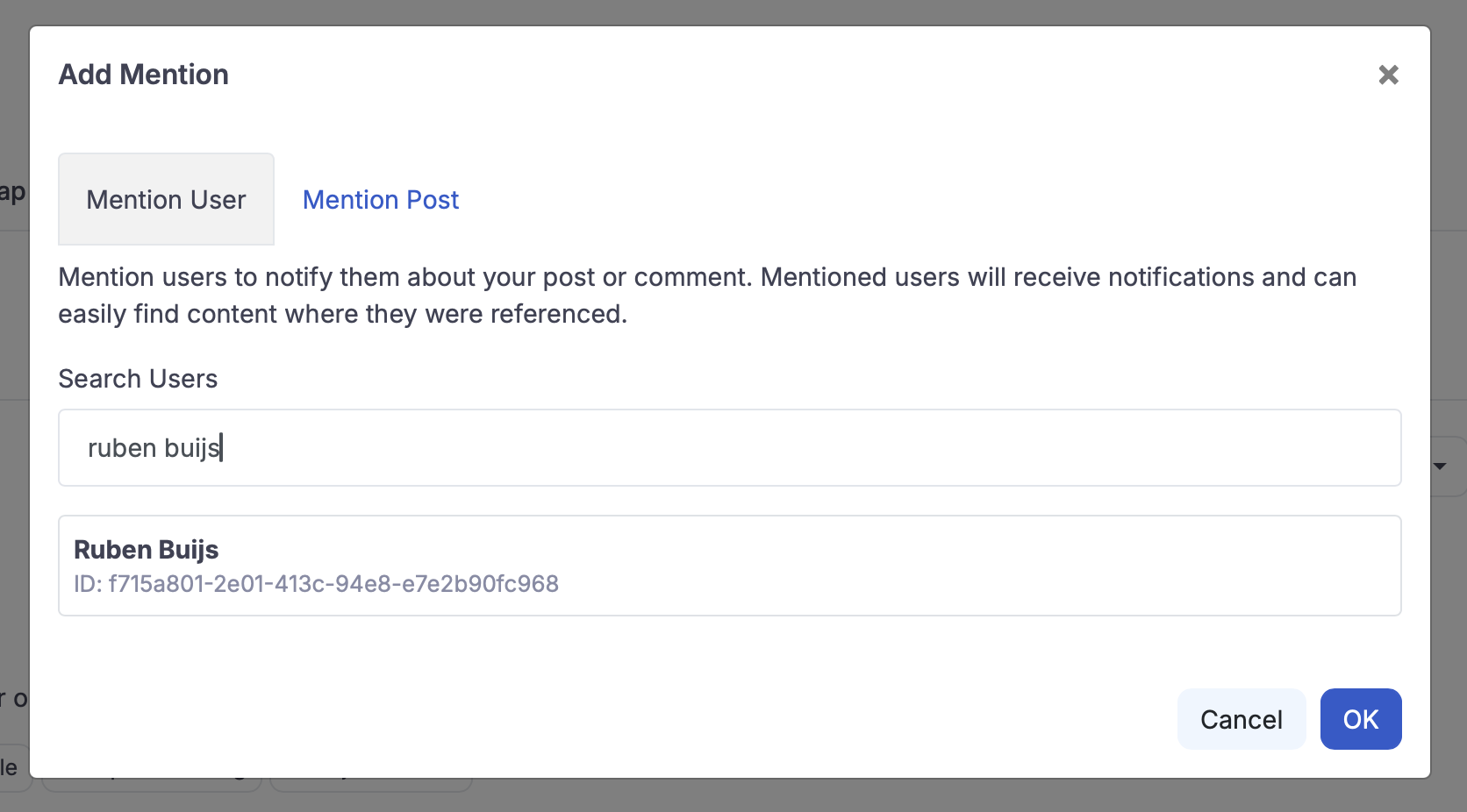
Choose what to mention:
-
You can choose to mention either another user or a post.
-
Use the search functionality to find and select the appropriate user or post.
Managing Notifications
- Unsubscribing: Users have the option to unsubscribe from notifications for particular posts or from all mentions altogether. This provides flexibility in managing the notifications you receive.
This feature is designed to streamline communication and ensure that users are always in the loop about important updates and discussions. Make sure to utilize mentions to keep everyone informed and engaged.