Embed ProductLift in Wix
Start by creating an embed widget for the feedback board, roadmap, changelog or knowledge base you want to show.
Get the widget address
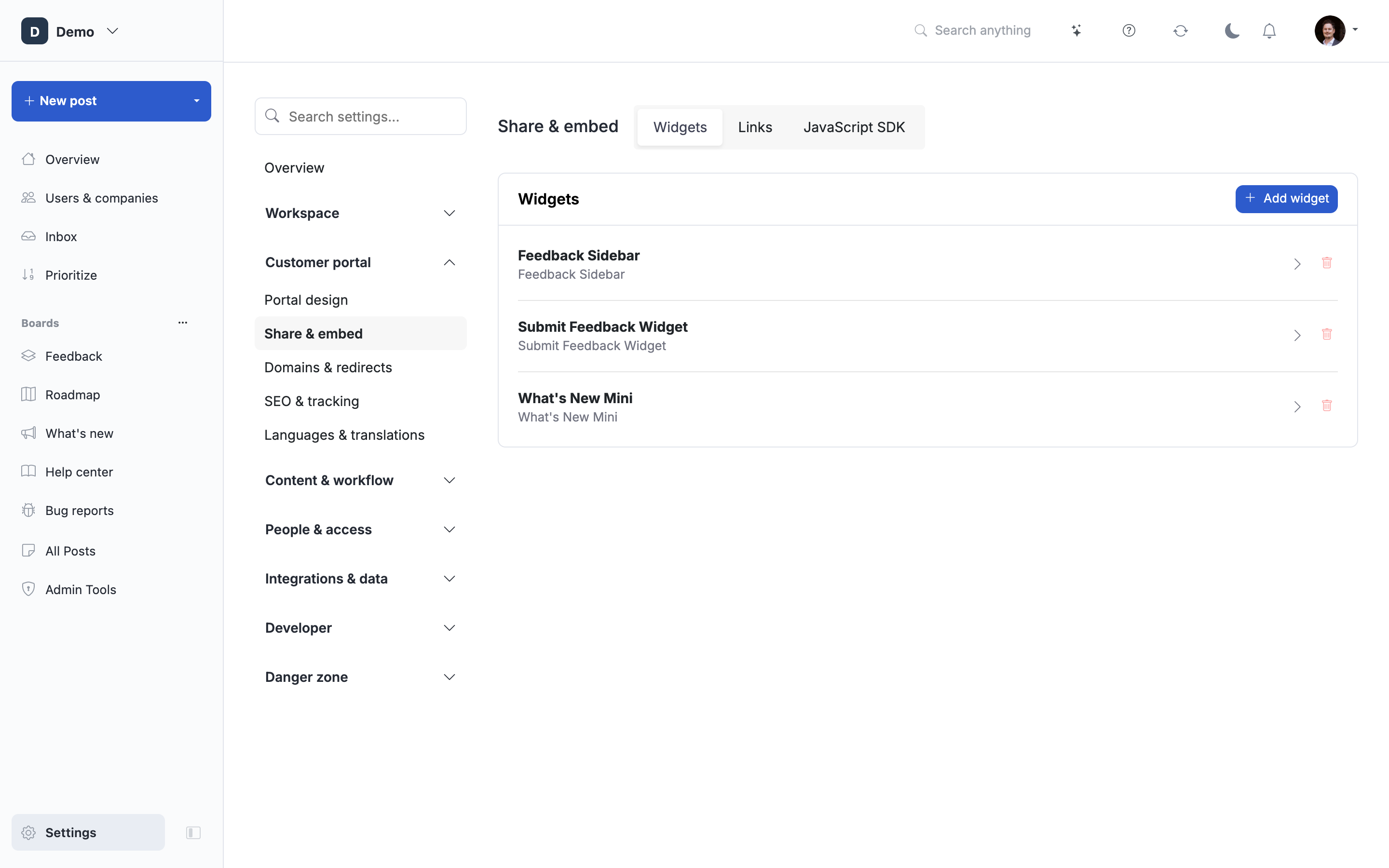
Open Settings → Share & embed → Widgets, select the widget, then open Installation and choose Wix. Copy the provided widget address or embed code.
Add it to Wix
- Open the page in the Wix editor.
- Choose Add Elements → Embed Code and select the website embed option for a URL, or HTML embed for code.
- Paste the matching address or snippet from ProductLift.
- Resize the embed to fit the page.
- Preview it on desktop and mobile, then publish your Wix changes when ready.


The screenshots illustrate placement; Wix labels can change. See Wix's current embed guide for its editor controls.
Embedding a portal does not sign users in automatically. For identified or private access, read SSO setup. A plain iframe also cannot capture the parent page's screenshot or console logs.
 Powered by ProductLift