Customize the invite email
How to get there: Go to Settings → Notifications & email → Email setup → Invite Email section.
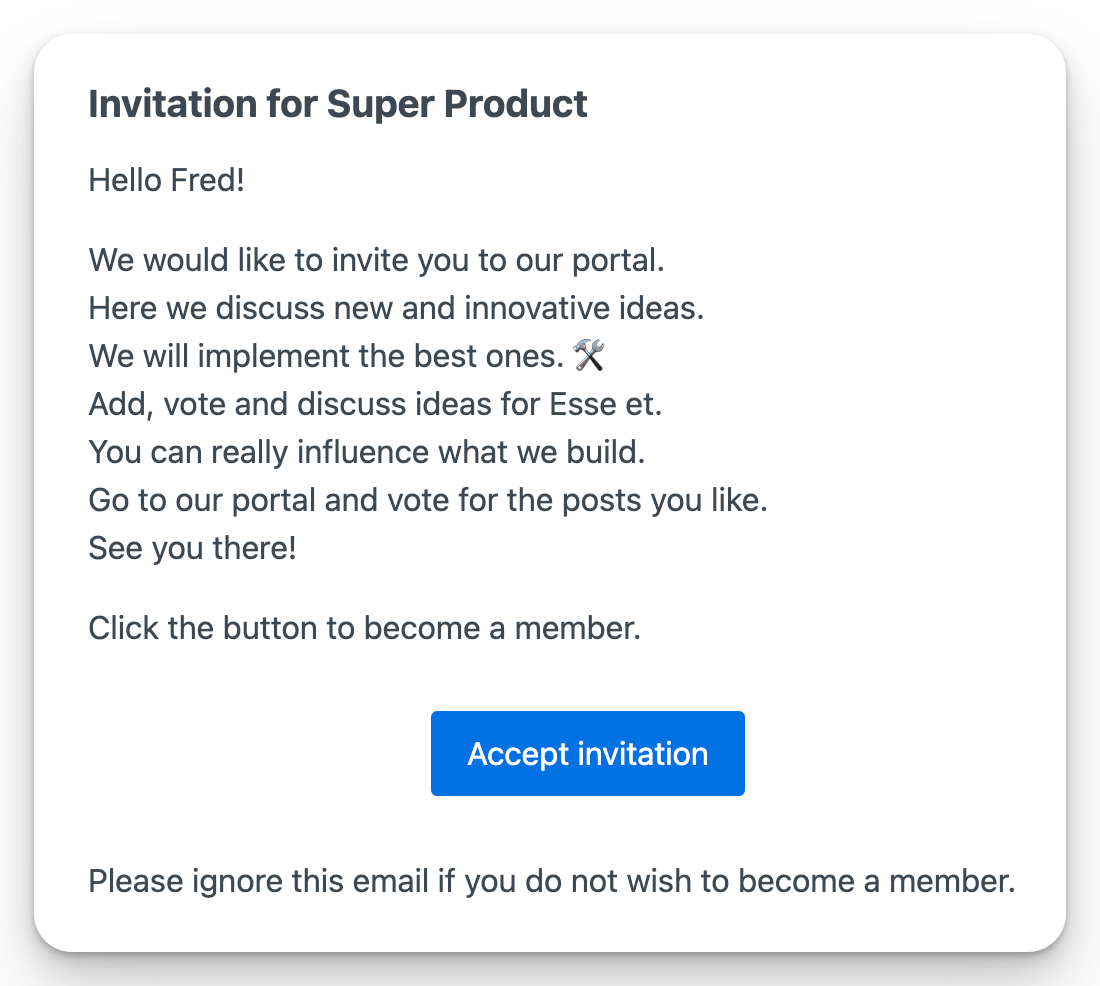
Your users get the below message when you invite them to your portal. You can personalize the middle part of the message.
Verify your own admin email address before sending invitations.
When you use ProductLift's built-in email delivery:
- External website links are not allowed in the personalized message. ProductLift's invite and portal links remain available.
- Active trials use ProductLift as the sender name and include a small trial label in the footer.
- Trial, expired-trial, and Free portals share a lifetime allowance of 50 non-essential emails. Silent user imports do not consume the allowance until an email is actually sent to that user later.
- ProductLift warns portal admins when 10 emails remain and when sending is paused.
Connect your own email provider in Settings → Notifications & email → Email setup to use your own sender name, include external links, and send without this ProductLift allowance. An active paid subscription also removes the shared-delivery volume limit.
 Powered by ProductLift