Manage categories
How to get there: Go to Settings in the sidebar → Content organization → Categories tab.
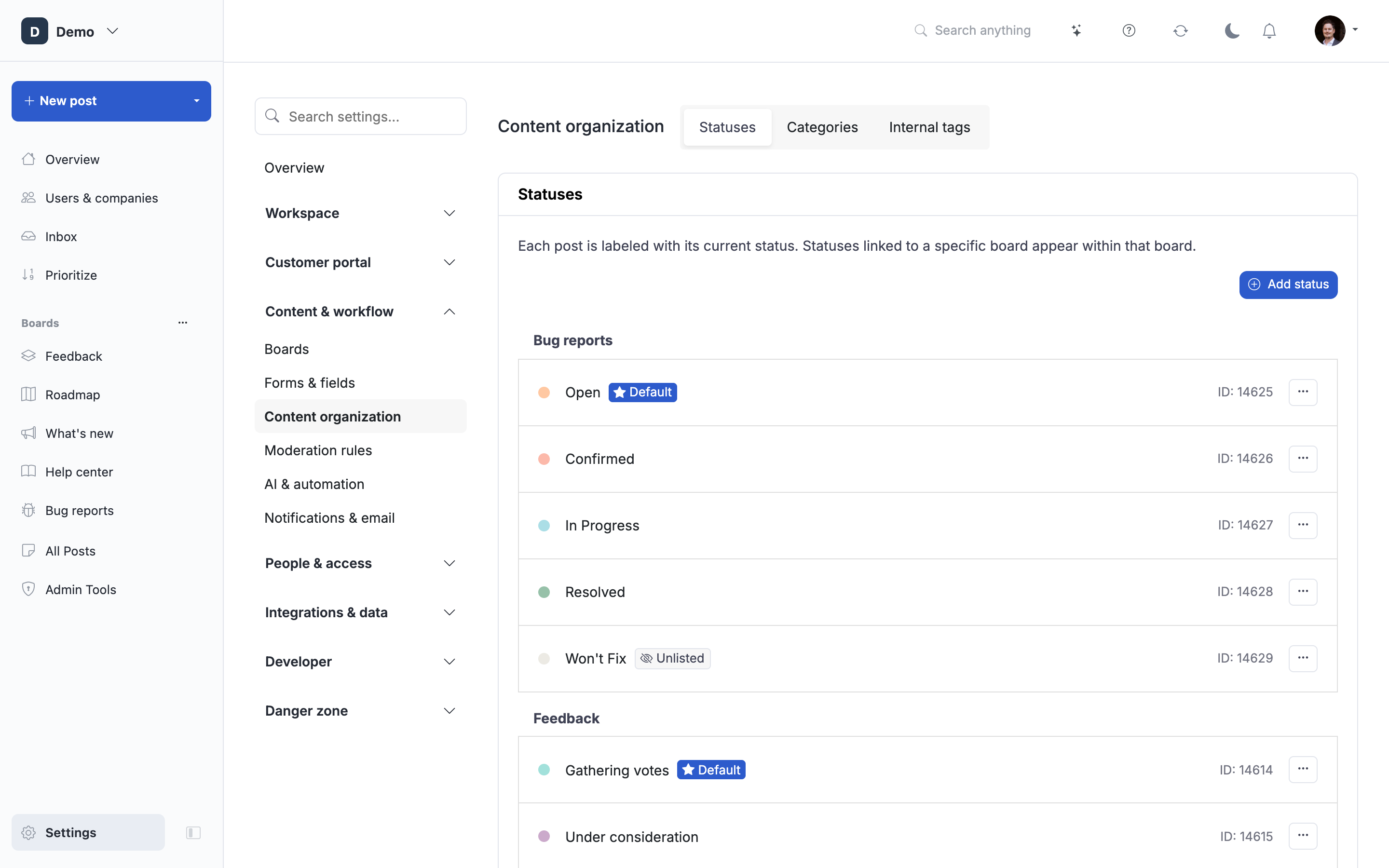
Categories are the portal-wide buckets you use to tag posts by topic (Mobile, Web, API, Billing). They are shared across every board, so a category you create here shows up on Feedback, Roadmap, and Changelog boards alike. Each post belongs to exactly one category.
If you're deciding between categories and tags, see Tags vs categories first.
Add a category
- Go to Settings → Content organization → Categories.
- Click New category.
- Enter a name (2 characters minimum) and click Create.
The category is available immediately on every board.
Edit a category
- Click the pencil icon on the category you want to change.
- Update the Name and/or Color. Colors accept a picker or a hex value (use the Hex color toggle to type one in).
- Click Save.
The color drives the category badge on post cards and, on boards that use the category-columns layout, the column header. Changes apply everywhere the category is shown.
Reorder categories
Grab the drag handle (the vertical dots on the left of each row) and drag the category into a new position. Ordering here is the ordering that end users see in the category filter row, filter dropdown, and category columns on every board.
Delete a category
- Click the trash icon on the category.
- Confirm in the dialog.
Deleting removes the category and its color from every post that used it. The posts themselves are not deleted; they simply lose the category assignment. There is no undo, so recreate a category with the same name if you want to reverse the action manually.
Where categories appear
- Post submission form, when categories are enabled, the user picks one from this list. Go to Settings → Boards → open any board → Submission form → Limit categories for this board to let users select a category or make it required. The category library is portal-wide. Board overrides affect only that board; form defaults live under Settings → Forms & fields → Form defaults.
- Post cards, the category badge is shown if the board has Show category labels enabled under your board → Customize public view → Post details.
- Board filters, categories can be shown as a filter row, category columns, or a dropdown. See Manage filters and sort for the per-board display setting.
- Roadmap, Feedback, and Changelog boards all read from the same list. There is no per-board category set.
 Powered by ProductLift