Customize the notification email
How to get there: Go to Settings → Notifications & email → Email setup → Notification Email section.
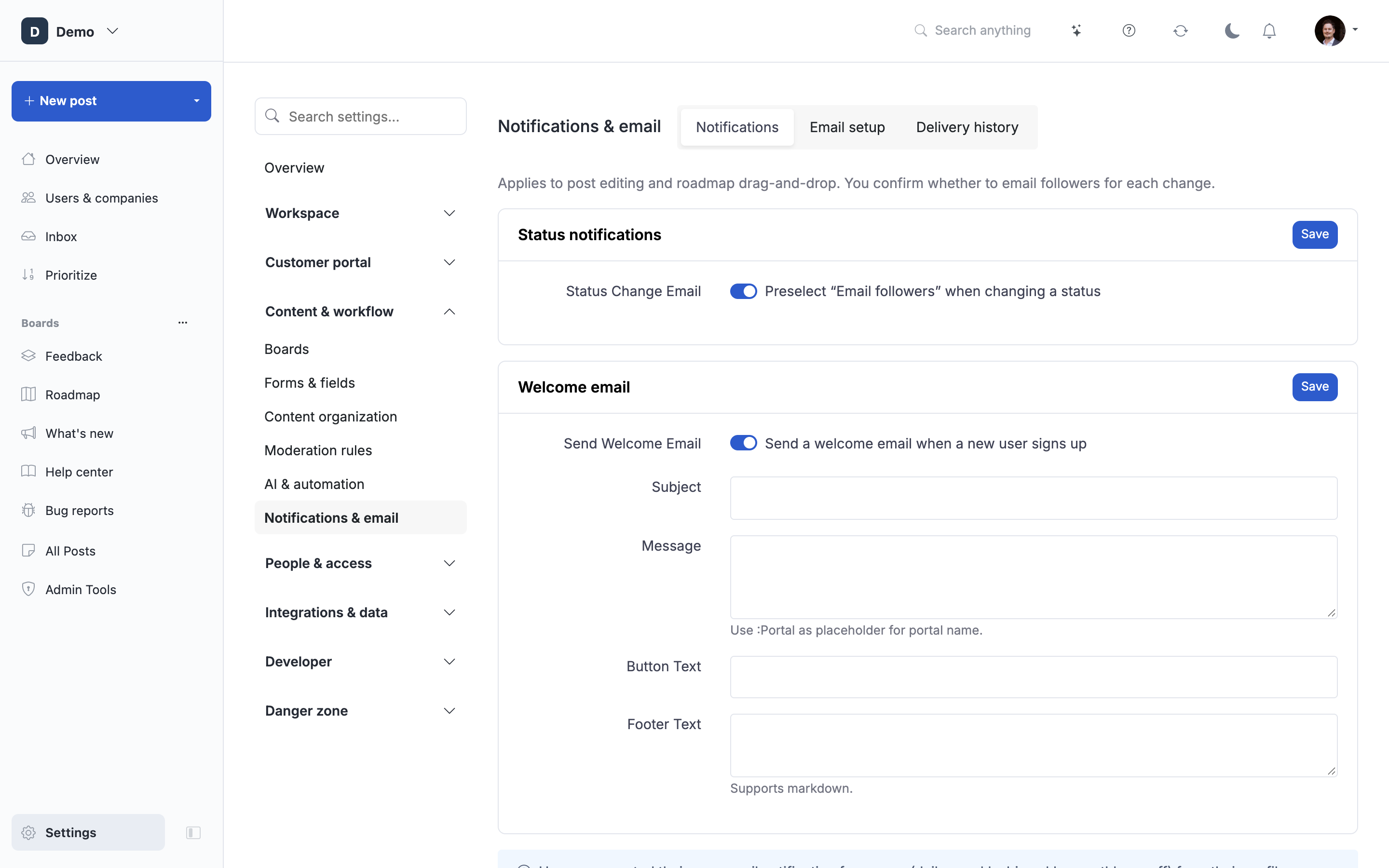
You can send a notification email any time you want (to the followers of a post).
It can be used to ask for feedback on a proposal or something like a short update.
Trigger
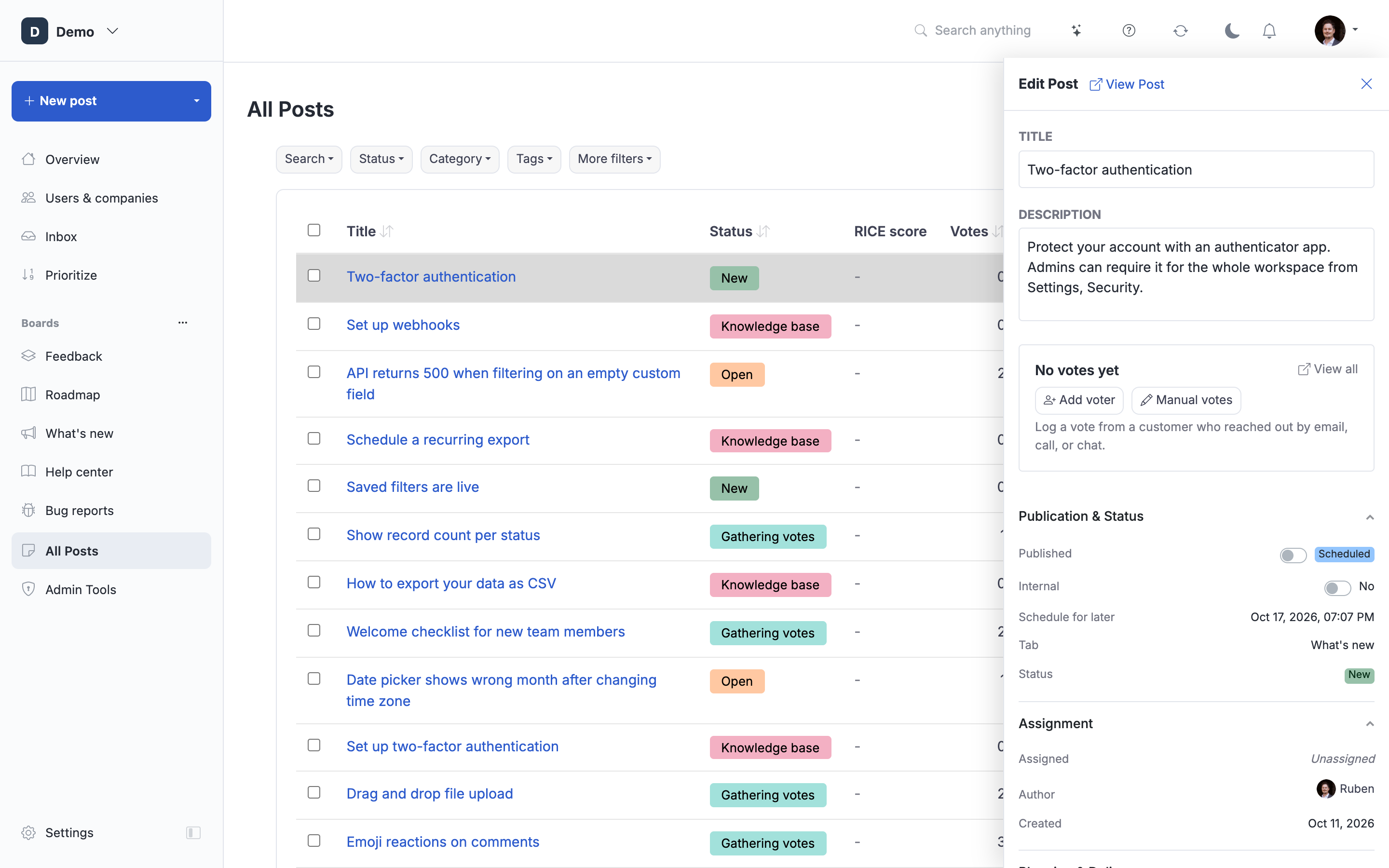
Click the Send email button on a post
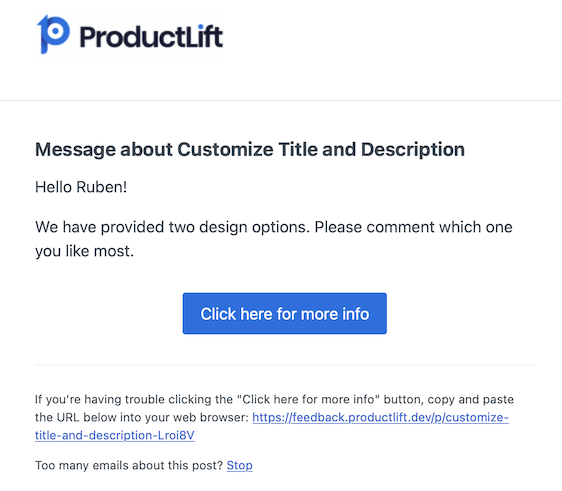
Email received
Users will receive an email similar to below.
Audit trail
You can easily see what notifications have been send to which users.
Note: Emails will not be send to the user that made the status change. Followers with a pending invite (for example users created via "Vote on behalf") DO receive these emails, since this is the moment they actually care about. Emails are not sent to users who have unsubscribed or to users whose email address still needs to be verified.
 Powered by ProductLift