Configure multiple products
How to get there: Go to Account in the sidebar to manage multiple portals/products.
You may want to have multiple products all in a single portal. ProductLift is hyper-flexible, so this is possible.
There are two options you can consider:
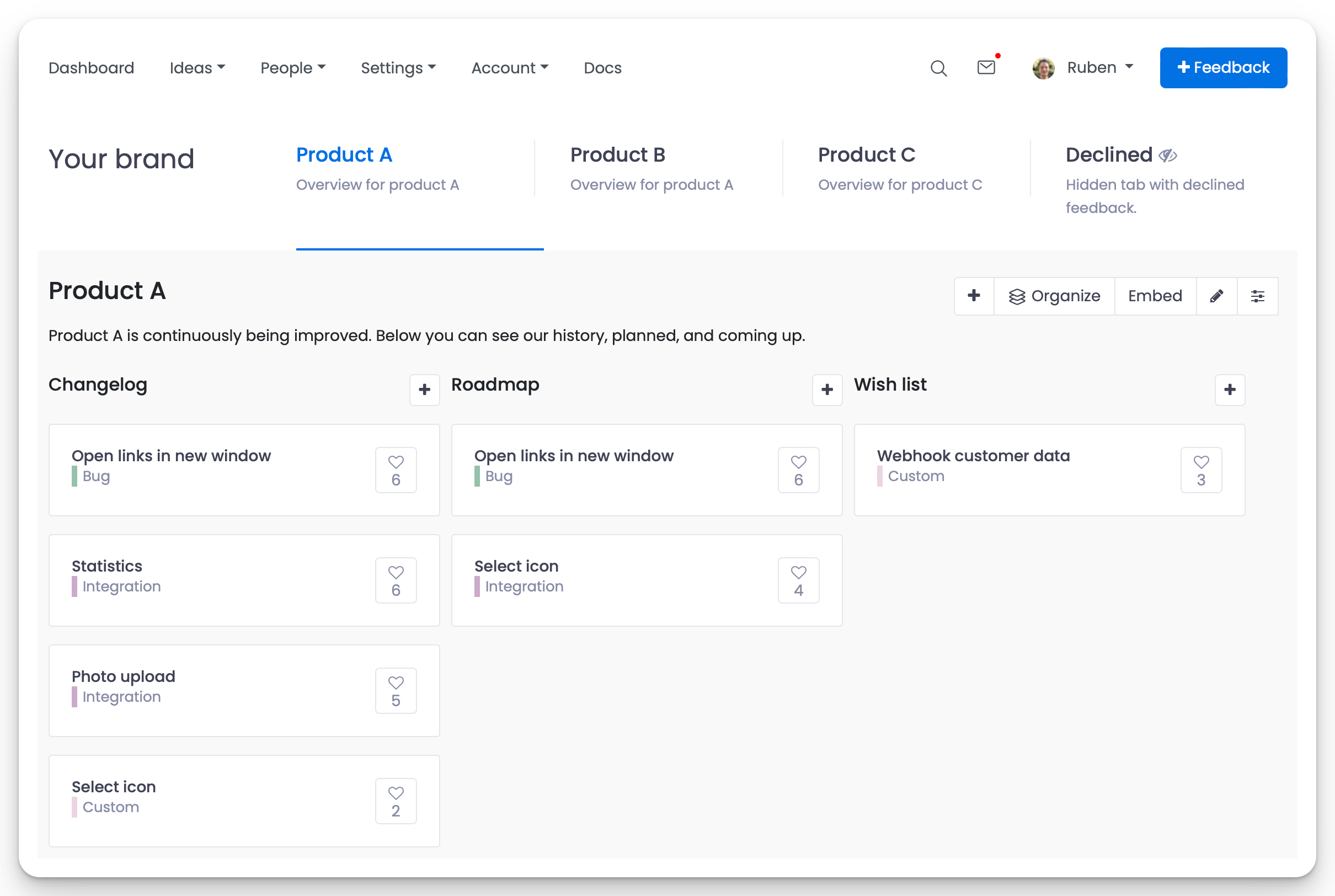
Option 1: Boards for each product
You can create a board for each product and display a custom Kanban board with your voting boards, roadmap, and changelog.
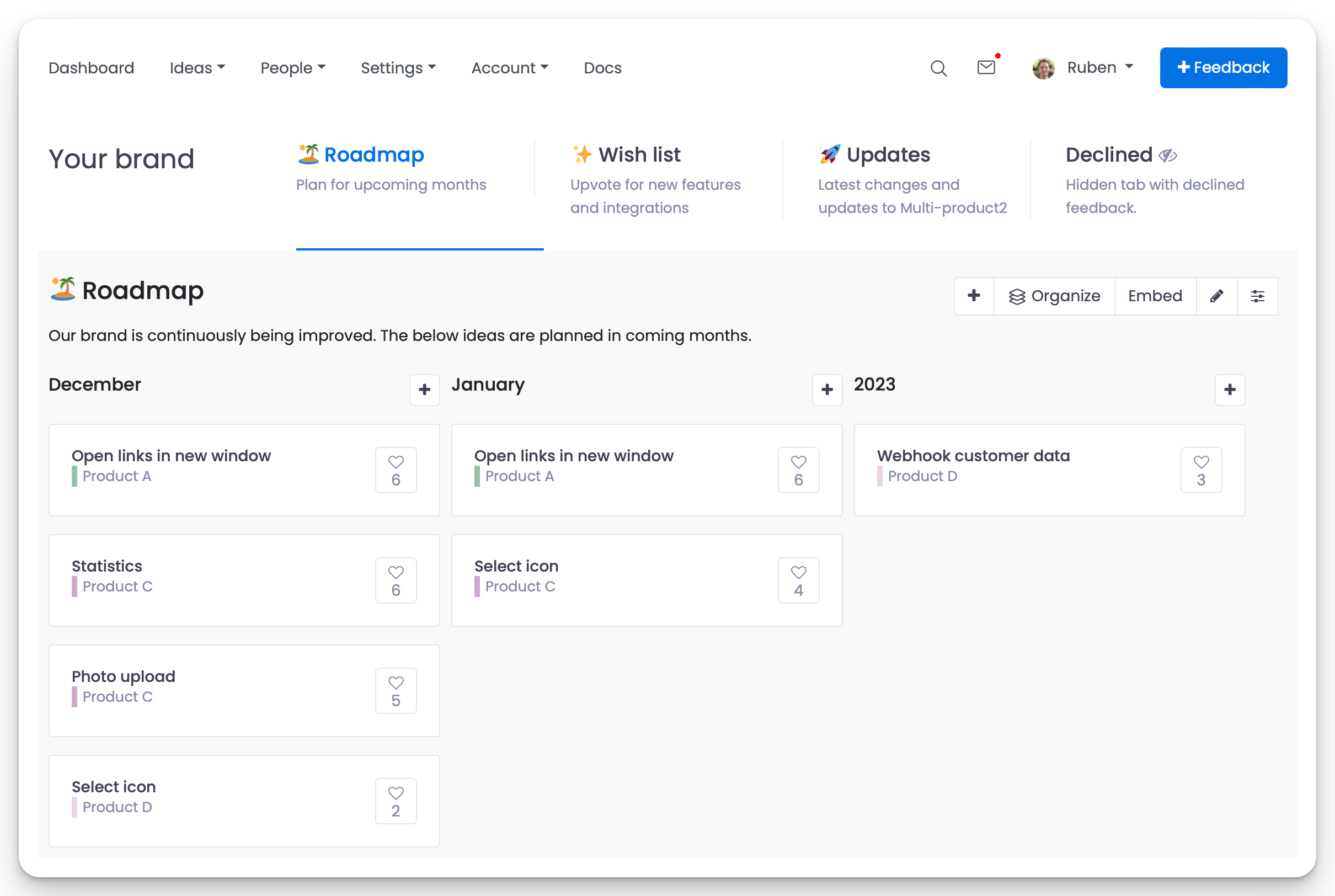
Option 2: Categories for each product
It is also possible to create custom categories for each product and display them on a central voting board, roadmap, and changelog.
Configuration tutorial
In this video, we are setting up the multi-product configurations to collect feedback for multiple products, create a roadmap, and share updates on the changelog.
Prefer fully separate portals?
If you'd rather keep each product on its own portal (separate URL, branding, users) instead of combining them into one, sign up separately for each product. Once you're admin on more than one portal, use the portal switcher in the sidebar to jump between them without re-logging in.
 Powered by ProductLift