Nova Ai Assistant
Nova AI assistant
How to get there: Click the Nova icon (stars icon) in the top bar of any admin page.
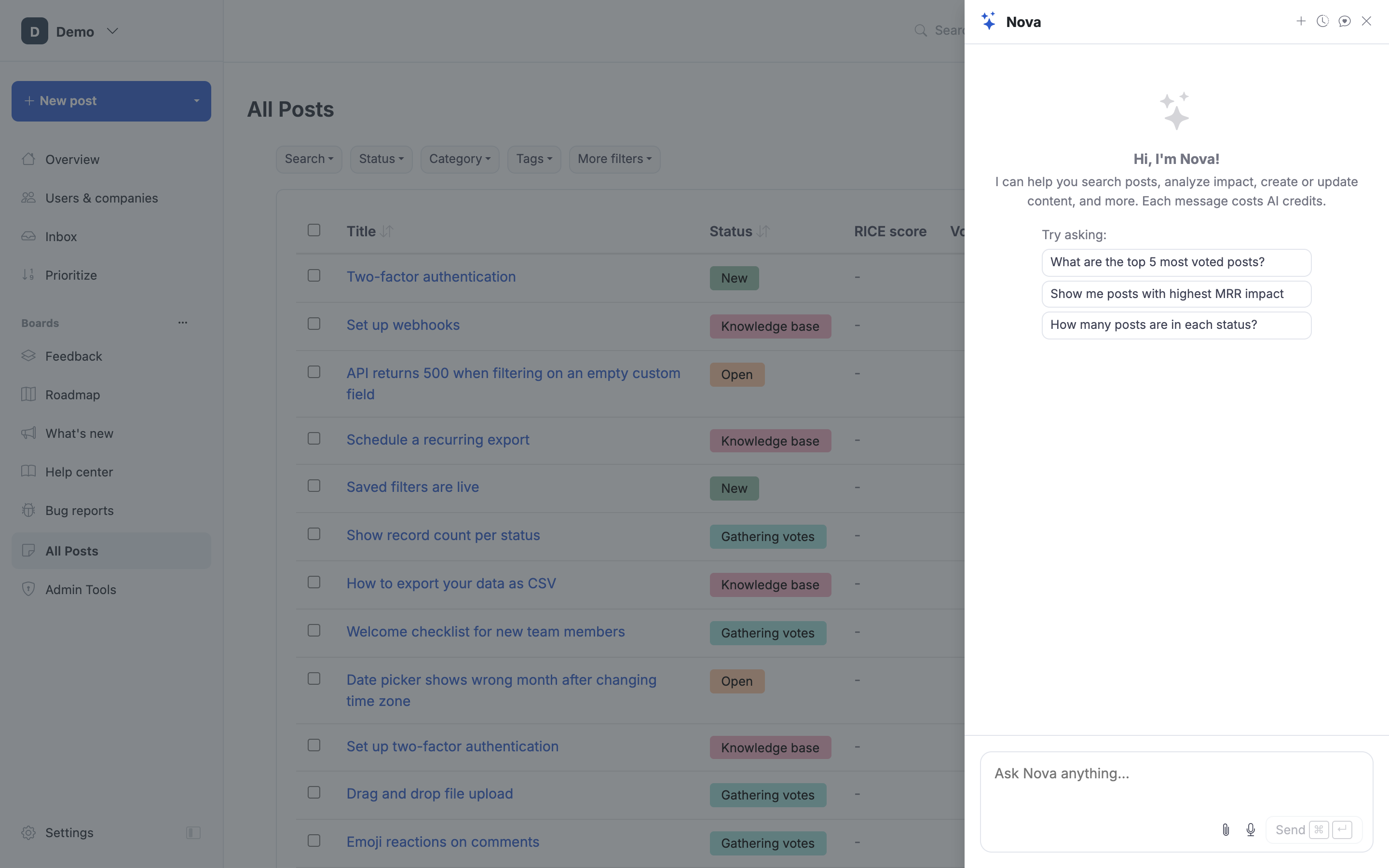
Nova is an in-product AI assistant for admins. It's the fastest path to "do this thing across my portal" without clicking through menus.
What Nova can do
- Answer questions about your data. "Which posts got the most votes this month?" "Who voted on the dark mode post?" "How many enterprise-tagged posts are in Planned status?"
- Draft replies and updates. "Write a status update for this post saying we're delaying it to Q4."
- Suggest tags and categories for a post you're triaging.
- Help you write changelog entries from a set of shipped posts.
- Find and merge duplicate posts. Ask "are there duplicates of post ABC123?" and Nova will search across the portal, present the candidates ranked by similarity, and (only after you confirm) merge the duplicate into the canonical post. See Merge posts for what merging does to votes, followers, and comments.
- Walk you through tasks. Ask "how do I configure the Jira integration?" and Nova explains, often linking the right settings.
How to use it
- Click the Nova icon in the left sidebar (stars icon).
- The Nova sidebar opens.
- Type a question or instruction.
- Nova responds. You can keep the conversation going for multi-step tasks.
Conversation history
Nova keeps your recent conversations so you can resume one or reference what it told you yesterday. Click the history icon at the top of the Nova sidebar.
Credits
Each Nova message uses AI credits. The current count and consumption are shown in the Nova header. See AI credits.
Sending Nova feedback
Click the heart icon in the Nova header to leave feedback on a response. We use this to keep improving the assistant, what helped, what didn't.
What Nova can't do (and shouldn't)
- Make irreversible changes without confirming. Nova surfaces actions; you confirm.
- Share data across portals. Nova only sees the portal you're in.
- Replace the public knowledge base for customers. Nova is an admin-side tool. For customer-facing AI answers, use KB answers.