Set up a knowledge base
Create a knowledge base when you want customers to find answers without asking your team. It can run on its own or alongside your feedback, roadmap and changelog boards.
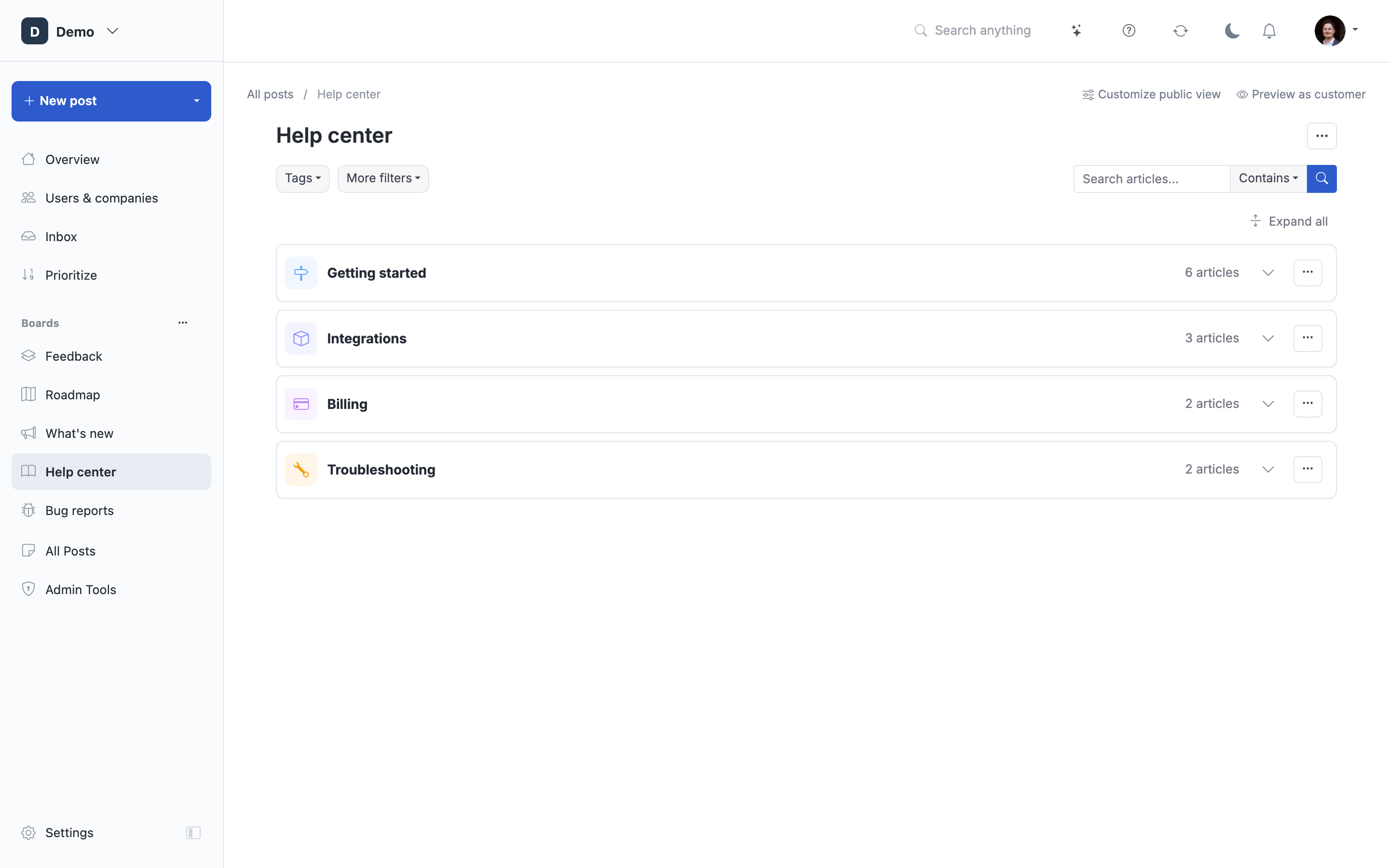
Example with demo data.
Create the board
- Open Settings → Boards → Create board.
- Choose Knowledge Base and complete the board setup.
- Open the board from the sidebar.
- Add a topic for your first group of articles, then create an article in it.
Start with questions your customers already ask. Give each article a title that names the task or question. Include the steps and expected result, and link to related setup instead of repeating it.
Add existing content
If you already have help articles, choose an import option. You can bring in content from URLs or manage a folder of Markdown files through Markdown sync.
If the board is managed through Markdown sync, make changes in the source files too. A later sync can overwrite manual edits.
Make articles easy to find
Organize topics and subtopics around tasks customers recognize. Use a subtopic when it helps readers choose among articles; you do not need a separate topic for every feature.
Choose who can read the knowledge base before sharing it. Board access, portal access, drafts and internal articles each affect who can read the content. A hidden topic is not a replacement for choosing the right board audience.
Check the customer view
Open Preview as customer. Follow the route from the topic page to an article and use search to find it by a phrase a customer would use. Check links, images and article feedback as you maintain the content.
You can optionally enable Ask AI to answer questions from the knowledge base, or embed the content in your app. Neither is required to publish your first article.
Choose the next task
| What you need | Guide |
|---|---|
| Separate customer help from staff instructions | Set the knowledge-base audience |
| Start an article from a shipped feature | Draft from a changelog entry |
| Let readers ask a question and see an answer with sources | Set up Ask AI |
| See which articles need clearer explanations | Review article ratings and views |
| Publish in more than one language | Set up languages and translations |
| Use your own help-center address and branding | Connect a custom domain and set your branding |
| Keep old links working after a move | Set up redirects |
You can create more than one knowledge-base board, for example for different products or audiences. Each board can have its own topics and access settings.
Use categories and internal tags for extra organization. Internal tags help your team; topics provide the main route for readers. AI auto-tagging can add internal tags according to its rules.
Keep answers useful
Run Check links when reviewing articles or after an import. This starts a scan; it is not an always-running link monitor. Use article ratings and views to choose what to review next.
Readers can search the knowledge base. A no-results page can offer a way to submit a post when customer posting is available. Check the customer's access and posting settings before relying on that route.
 Powered by ProductLift